
Every shipment starts at the gate. It’s the first checkpoint where a trailer, a driver and a piece of paperwork either move cleanly into your yard or stall the whole operation behind them. If your gate still runs on a clipboard, a radio and a guard’s memory, this guide walks through what truck gate management software actually does, the features that matter, and how to evaluate one for a distribution center, 3PL, manufacturing yard or container facility.
What Is Truck Gate Management Software?
Truck gate management software is a digital system that manages the movement of trucks, trailers, containers and drivers between a facility’s gate and its yard or warehouse. Instead of treating the gate as a standalone checkpoint, it connects five stages into one workflow:
Appointment scheduling → Driver pre-registration → Gate check-in → Yard/dock assignment → Gate check-out.
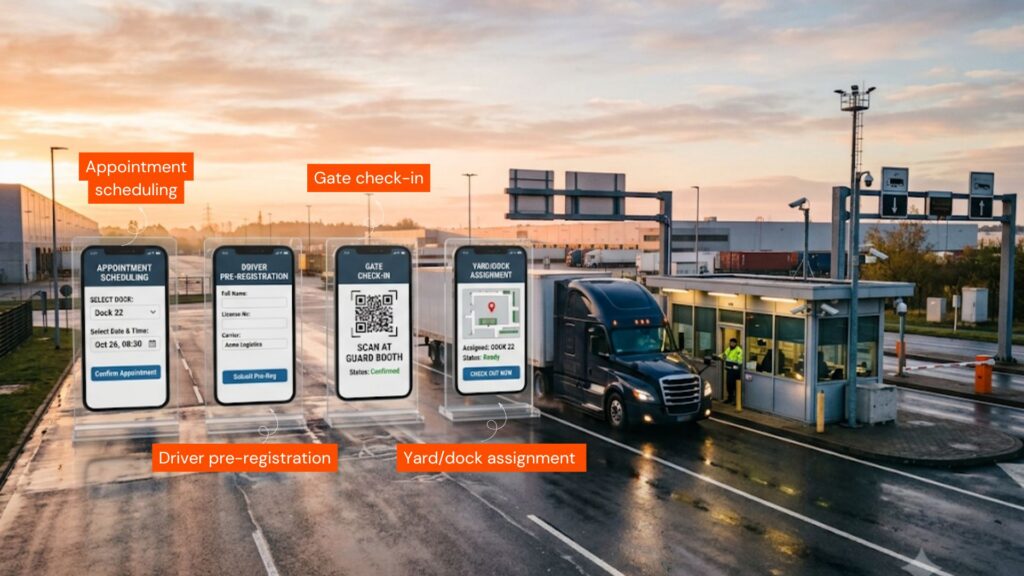
Every step is timestamped and logged, so gate, yard and dock teams are working from the same live data instead of a phone call or a radio update.
It’s a narrower, more operational cousin of a full Yard Management System (YMS) – some platforms are gate-first and expand into yard moves, others are modules inside a broader YMS. Either way, the gate is where the data gets created, so the software that runs it determines how accurate everything downstream turns out to be.
Why Manual Gate Processes Break Down
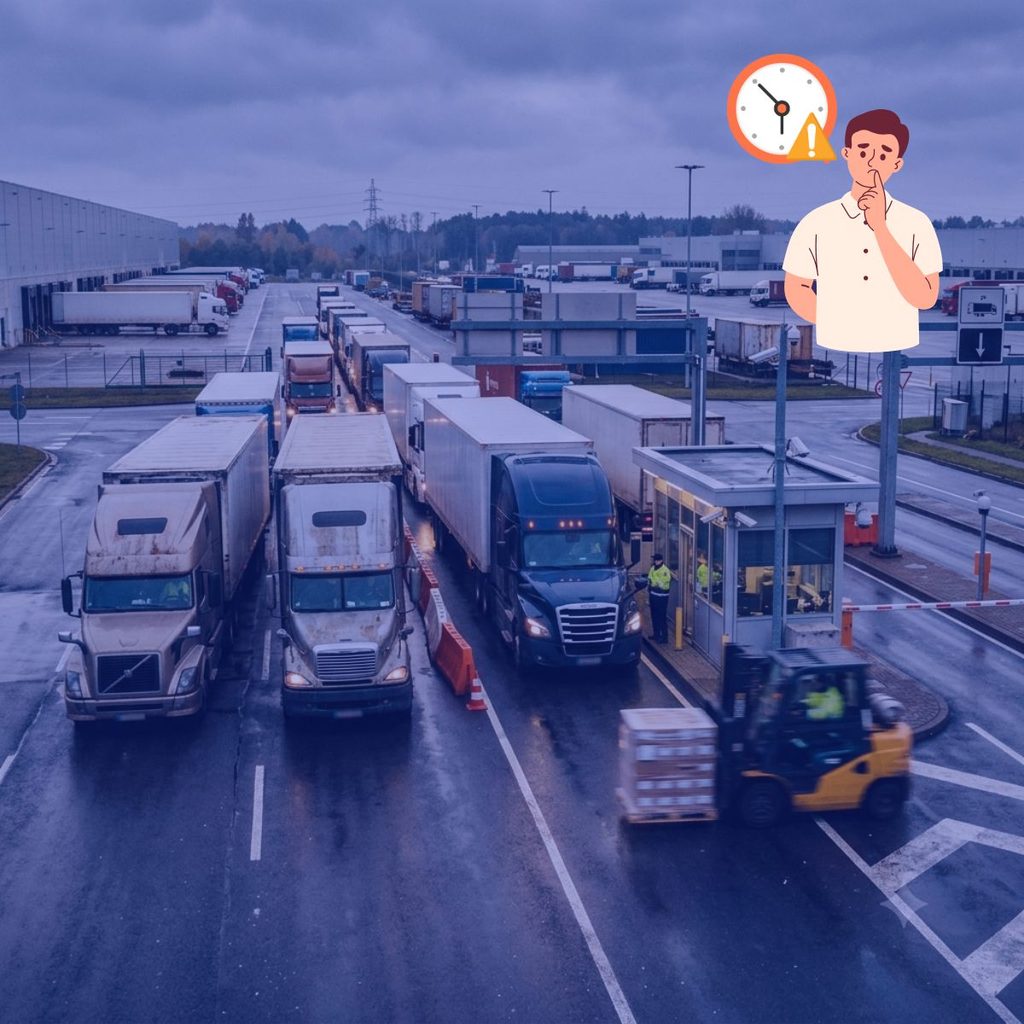
A guard with a clipboard and a printed appointment list can only process one truck at a time – and every truck behind it idles. The problems compound predictably:
- Trucks arrive without a confirmed appointment or with incomplete paperwork
- Driver and trailer details get keyed in wrong under time pressure
- Peak arrival windows create long inbound queues and detention exposure
- No one has real-time visibility into yard capacity before waving a truck in
- Unannounced or early arrivals have no standard process
- Security and compliance records vary shift to shift, guard to guard
None of these stay contained at the gate. A slow check-in becomes a yard congestion problem, then a missed dock appointment, then a missed departure window, and eventually a detention invoice.
Core Features of Truck Gate Management Software
Feature sets vary, but a system built for real gate operations covers the following:
| Feature | What it does |
|---|---|
| Appointment scheduling | Schedule inbound/outbound trucks, carriers, loads and expected arrival windows in advance. |
| Driver pre-registration | Capture driver, carrier, truck, trailer/container, PO/BOL and shipment details before the truck ever reaches the gate. |
| Gate check-in / check-out | Record arrival and departure, driver ID, trailer/container numbers, seal numbers and timestamps. |
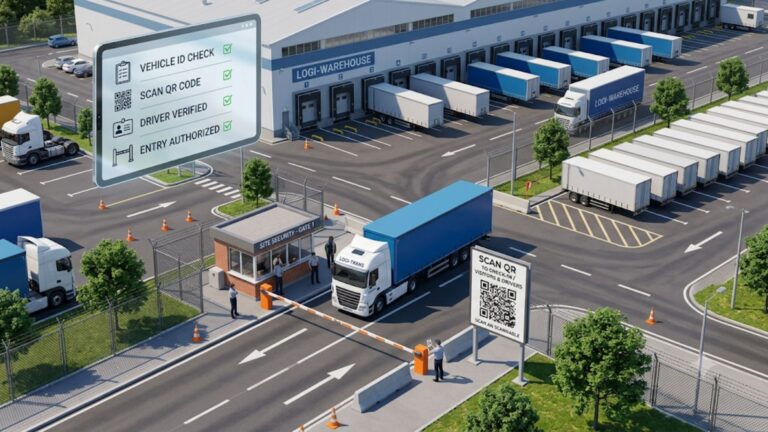
| Self-service / unattended check-in | QR code, shared link or kiosk check-in so drivers can register without a guard — useful for off-hours or overflow. |
| Trailer & container tracking | Track each unit’s current yard location, status (pending, arrived, staged, empty, departed) and move history. |
| Dock door & parking assignment | Assign trailers to a specific dock door or yard/staging location and track door availability. |
| Carrier & driver management | Maintain carrier records, contacts, insurance status and performance history. |
| Seal management | Record inbound/outbound seal numbers and document seal verification at the gate. |
| Detention/demurrage reporting | Flag equipment approaching free-time limits before it turns into a charge. |
| Reporting & KPIs | Dwell time, turn time, dock utilization, yard occupancy, carrier performance and gate volume. |
| Audit trail | A complete, timestamped history of who performed every gate, trailer and dock transaction. |
| Compliance tracking | Class-based vehicle activity tracking for regional programs (e.g., California WAIRE points). |
How Truck Gate Management Software Works
- Appointment is scheduled. A CSR, carrier or customer books an inbound or outbound appointment with expected load and arrival time.
- Driver pre-registers. Carrier, driver, trailer/container and shipment details are captured ahead of arrival – often through an automated email or GatePass link.
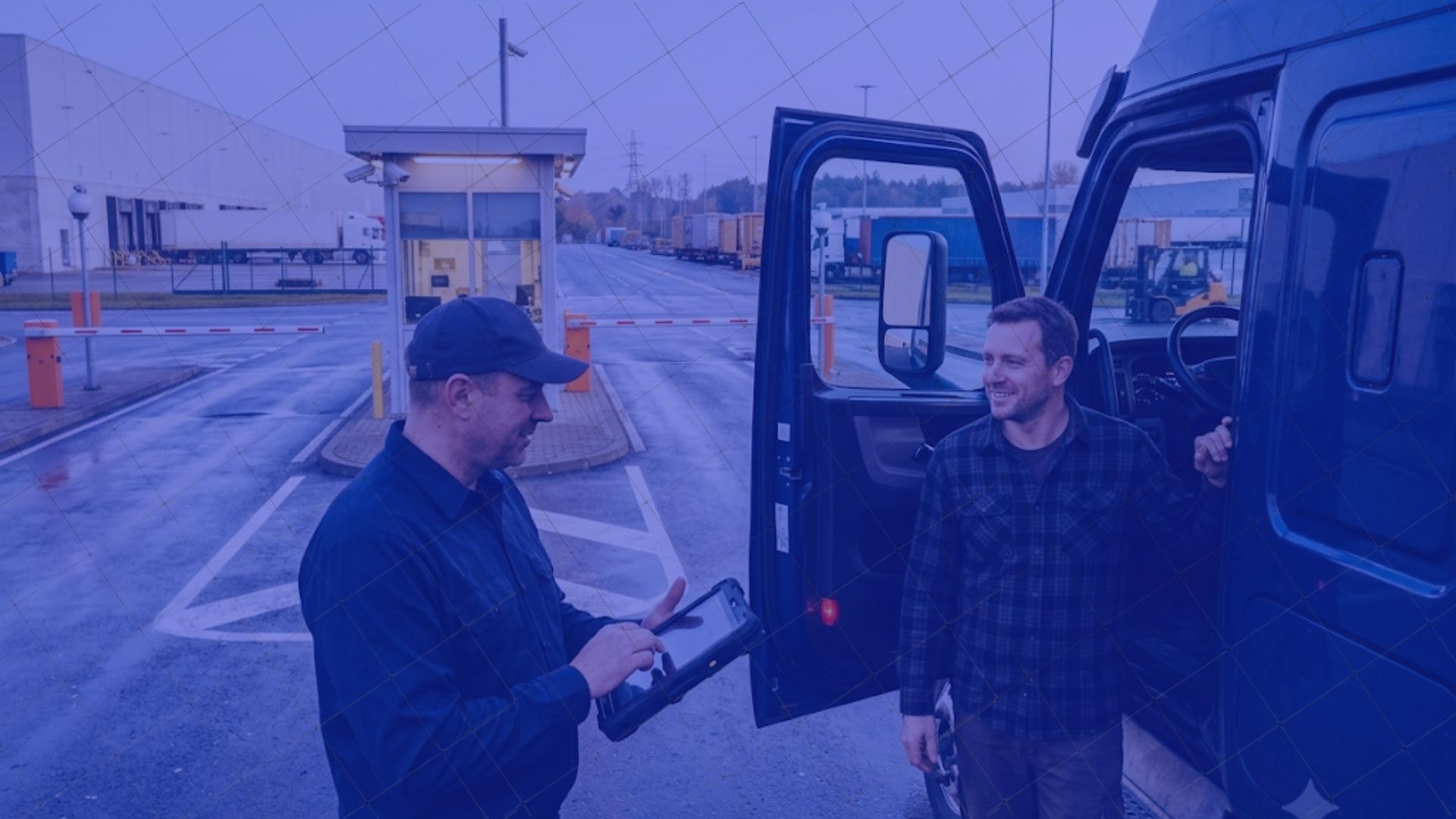
- Truck checks in at the gate. A guard processes the arrival on a tablet or handheld, or the driver self-checks in via QR code/link, confirming license, insurance and load details.
- Trailer is routed. The system directs the driver to a yard location, staging area or specific dock door based on preset rules.
- Yard and dock activity is tracked. Status updates (staged, loading, empty, damaged) move with the trailer through the yard.
- Truck checks out. Departure time, seal verification and any exceptions are logged, and the transaction closes with a full audit trail.
ROI: What Changes When You Automate the Gate
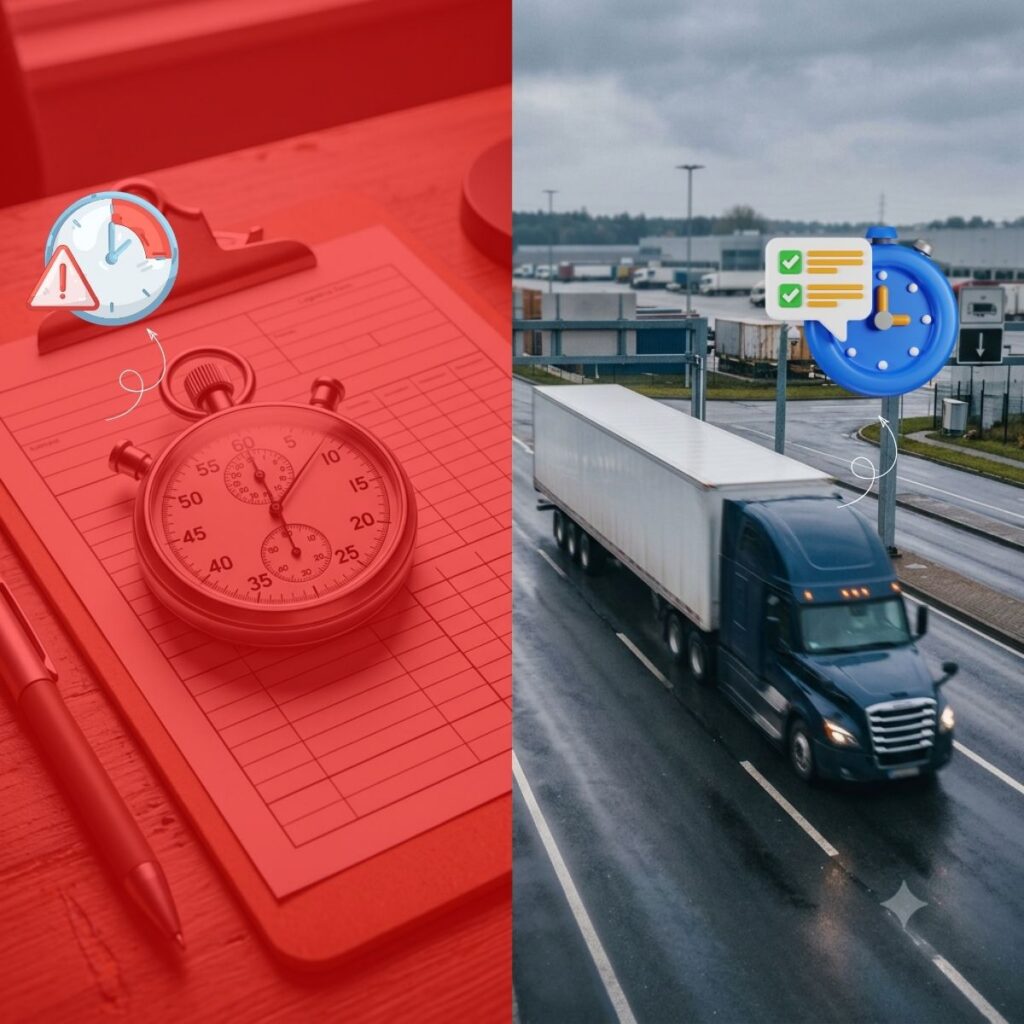
- Shorter dwell and turn times – Pre-registration and self-check-in remove repetitive questions at the window.
- Lower detention and demurrage costs – Free-time thresholds are visible before they’re missed, not after an invoice arrives.
- Fewer data errors – Driver and trailer data is captured once, digitally, instead of re-keyed at each handoff.
- Better yard visibility – Gate, yard and dock teams see the same live status instead of relying on radio calls.
- Defensible compliance – Every check-in, move and check-out is timestamped and attributable to a user.
Truck Gate Management Software vs. A Simple Gate Arm
A barrier or gate arm only controls physical access – it opens or it doesn’t.
Gate management software controls the process behind that access: verifying the appointment is real, capturing who and what is coming through, and telling the driver exactly where to go next.
A facility can automate the arm and still run the process on paper; the software is what actually removes the clipboard.
How to Choose Truck Gate Management Software: A Buyer’s Checklist
- Does it support both guard-assisted and self-service check-in, without requiring new hardware like RFID readers or kiosks?
- Can it run on a phone, tablet or rugged handheld — not just a fixed desktop terminal?
- Does it connect appointments to yard location and dock assignment automatically, or are those still manual handoffs?
- Can it send automated GatePass, calendar invite and notification emails without staff intervention?
- Does it track carrier insurance, driver details and seal numbers as part of the same transaction?
- Does reporting cover dwell time, detention exposure and gate volume out of the box?
- Can it bridge your existing WMS and TMS instead of becoming a third disconnected system?
GateTrac™: Gate Management Built for Real Yards
Barcode Consultants GateTrac™ is a mobile-first gate management app that unifies appointment scheduling, gate check-in/out, trailer placement and yard audits — bridging WMS and TMS into a single platform. It runs on a smartphone or a rugged handheld, so a guard booth isn’t a hardware requirement.
- Self-check-in via a shared link for unattended gates, alongside guard-assisted check-in
- Automated GatePass and calendar-invite emails triggered by appointment activity
- Live trailer and container status – pending, staged, empty, damaged, departed
- Driver, insurance and carrier tracking captured at check-in
- Reporting on pending appointments, arrivals and departures in one dashboard
Frequently Asked Questions
A system that manages how trucks, trailers, containers and drivers enter and exit a facility — linking appointments, check-in, yard location and dock assignment into one digital workflow instead of paper logs and radio calls.
A gate arm only controls physical access. Gate management software controls the process behind it – verifying appointments, capturing data, and directing drivers to a yard location or dock door.
No. Platforms like GateTrac support guard-assisted check-in on a tablet as well as self-service check-in through a QR code or shared link, so unattended gates can run without kiosk hardware.
Shorter dwell and turn times, fewer detention/demurrage charges, less manual data entry, fewer misrouted trailers, and a full audit trail — most facilities see measurable gate-time reduction within the first few weeks.
Yes – purpose-built gate platforms are designed to sit between a WMS and TMS so gate, yard and warehouse data stay in sync.