Yard Management Software that tracks every truck, trailer and dock door in real time
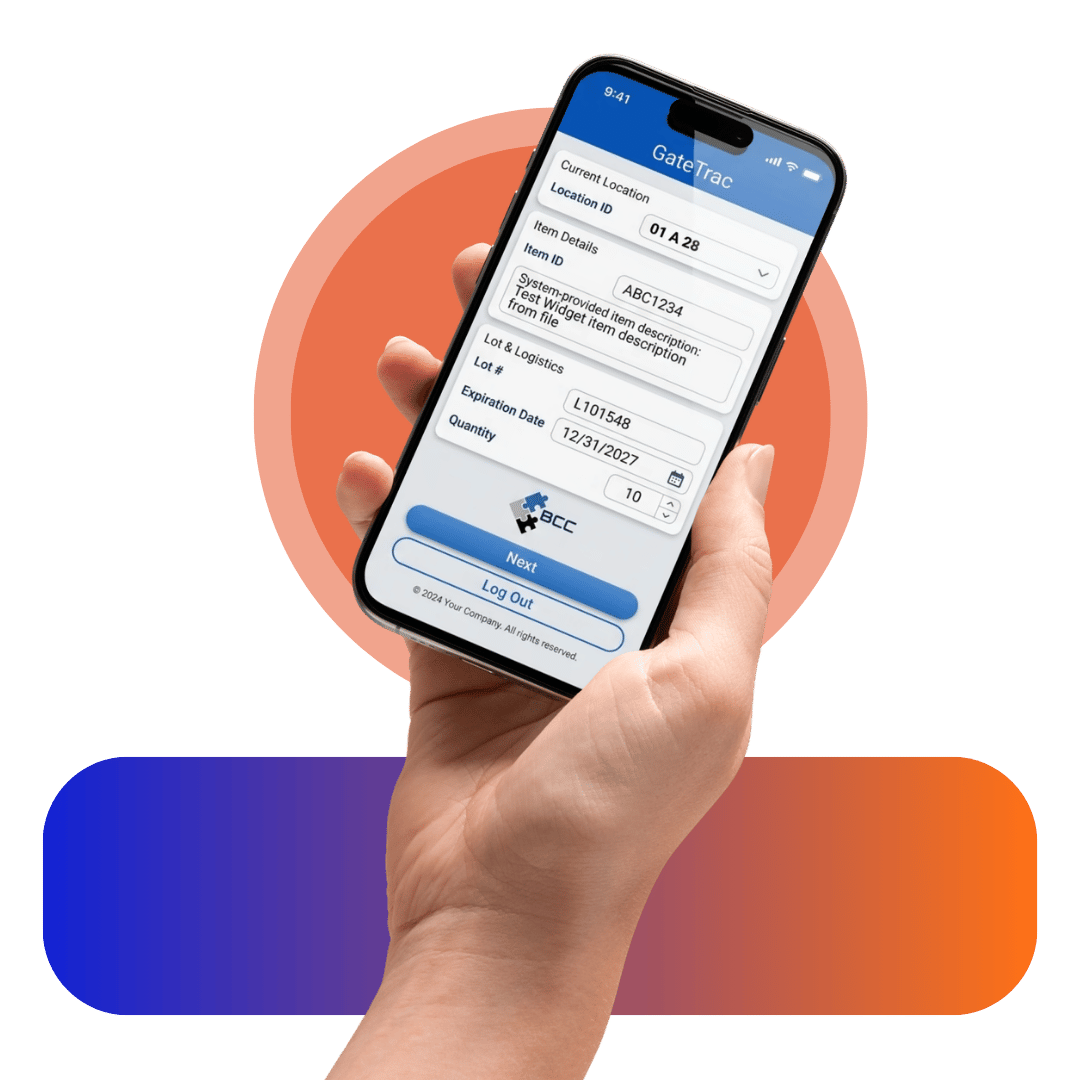
GateTrac™ yard management software connects the gap between your WMS and TMS. Appointments, gate check-ins, trailer placements, dock assignments and yard audits run in one mobile system — on any smartphone, tablet or handheld scanner, with nothing to install.
30+ years of warehouse, wireless and barcode systems for 3PLs, distribution centers and manufacturers.
What is yard management software?
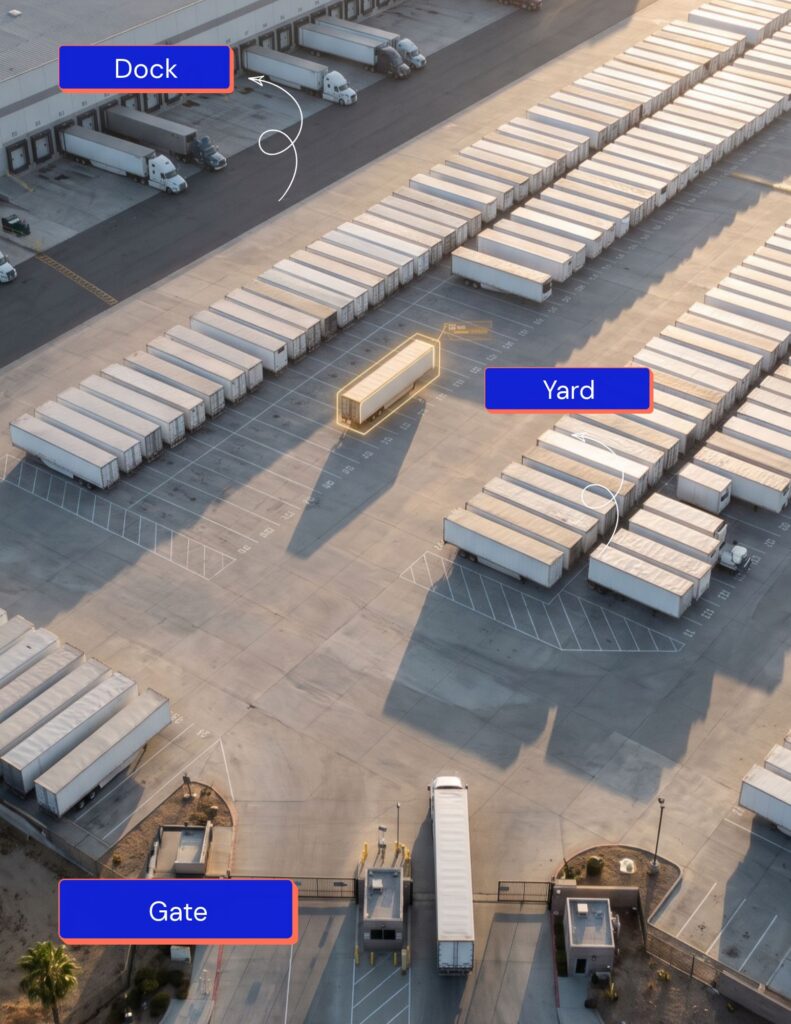
Yard management software (YMS) is a system that tracks and controls every truck, trailer and container from the moment it reaches your gate until it leaves. It records check-ins, assigns yard slots and dock doors, shows each trailer’s location and status in real time, and measures dwell time – giving the warehouse one live view of the yard.
Without a YMS, the yard is run on clipboards, radios, whiteboards and spreadsheets. A YMS replaces those with time-stamped digital records, so the gate, the yard team and the warehouse desk all work from the same information.
A yard management system typically covers four areas:
- Gate - Appointment lookup, check-in and check-out, seal and document capture
- Yard - Trailer and container location, parking slot assignment, status, yard checks
- Dock - Door assignment, door availability, load/unload progress
- Reporting - Dwell time, turn time, detention exposure, carrier performance
Attended or self-service -
GateTrac fits how your gate actually runs
Every check-in path, with or without an appointment, writes to the same live yard record. The warehouse desk sees a current view no matter how the driver arrived.
ATTENDED GATE
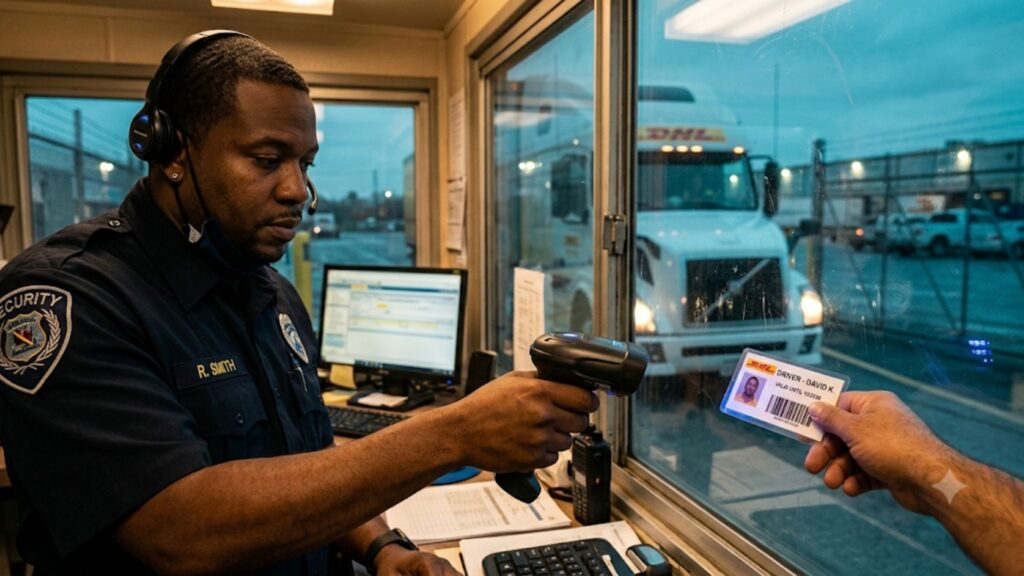
Guard processes the check-in
The guard scans the driver’s GatePass or license, confirms the appointment, and logs trailer, seal and load details at the gate.
Guard scans GatePass or appointment number to pull up pre-registered driver, carrier, and load details.
Guard captures driver, carrier, and load information on the spot before directing the truck to the yard.
UNATTENDED GATE
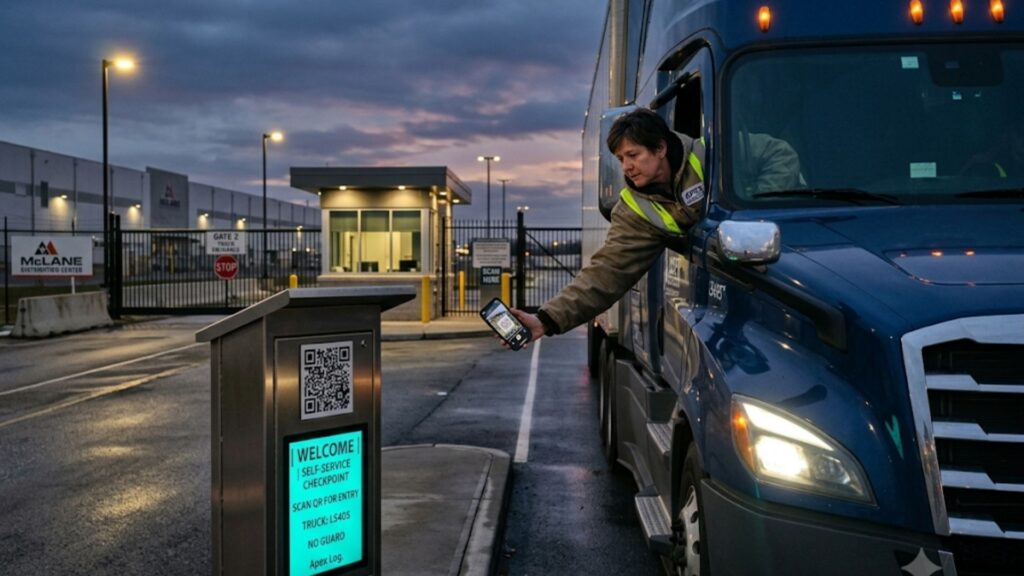
Driver self check-in, desk oversees
Drivers scan a QR code at the gate or follow a mobile link to check themselves in, no guard required – the warehouse desk sees every arrival in real time.
Driver scans the QR code or appointment link, confirms details, and receives yard or dock instructions automatically.
Driver self-checks in via kiosk signage or mobile app, entering carrier and load details for warehouse desk review.

How yard management software works:
Gate to dock
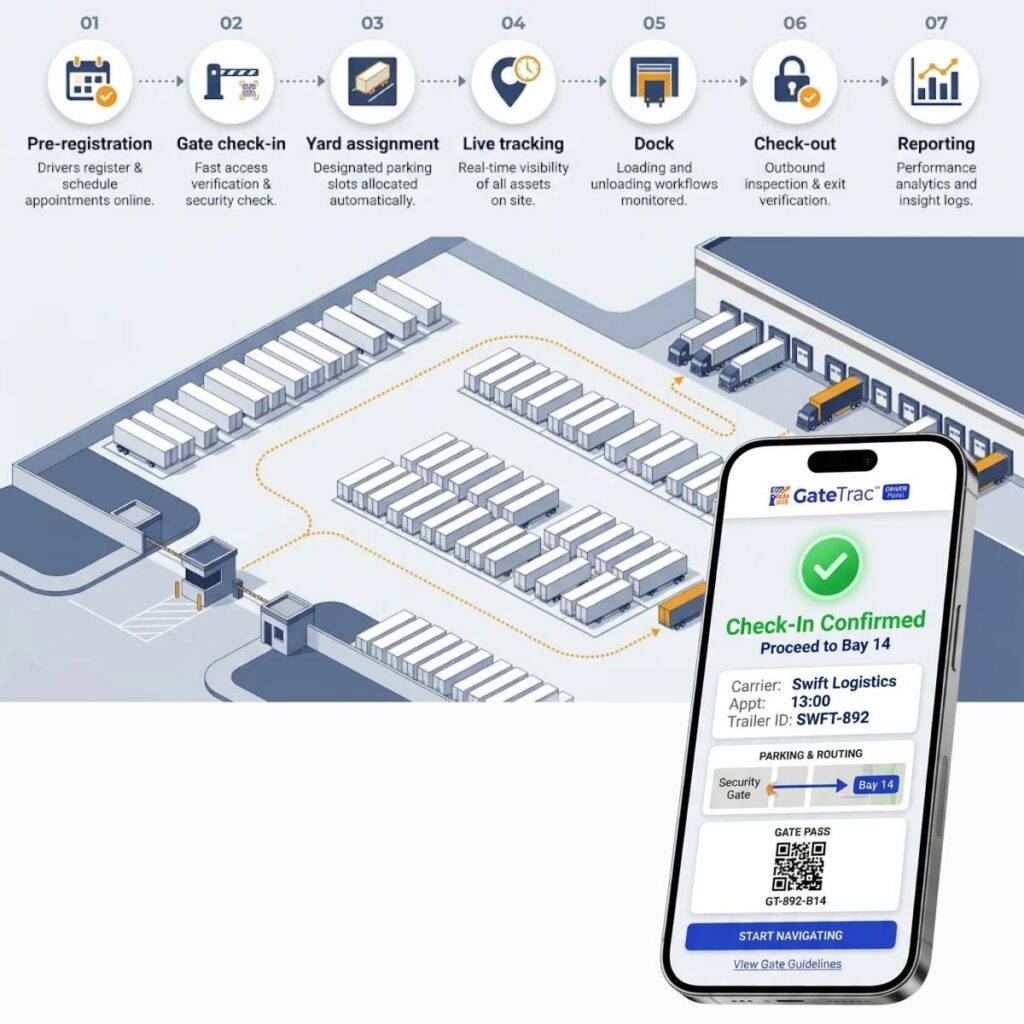
- Pre-registration. The appointment is booked and the driver receives a GatePass by email with a calendar invite. Carrier, trailer, PO/BOL and load details are captured before arrival.
- Gate check-in. A guard scans the GatePass, or the driver self-checks in by scanning a QR code. Arrival time, trailer and seal numbers are recorded.
- Yard assignment. The trailer is assigned a parking slot or sent straight to an open dock door. Status changes to Arrived or Staged.
- Reporting - Dwell time, turn time, detention exposure, carrier performance
- Live tracking. Every move updates the trailer's location and status. The desk sees dwell time building and gets alerts before free time runs out.
- Dock operations. The trailer is assigned to a door; door availability updates for the next truck.
- Check-out. Outbound seal is verified, departure is time-stamped, status changes to Departed.
- Reporting. Dwell, turn time, door utilization, carrier performance and truck-trip counts are calculated automatically from the records above.
The yard is the blind spot your WMS and TMS can't see
Your WMS knows what’s inside the building. Your TMS knows what’s on the road. Between them sits the yard — and that’s where trucks wait, trailers get lost and detention charges start.
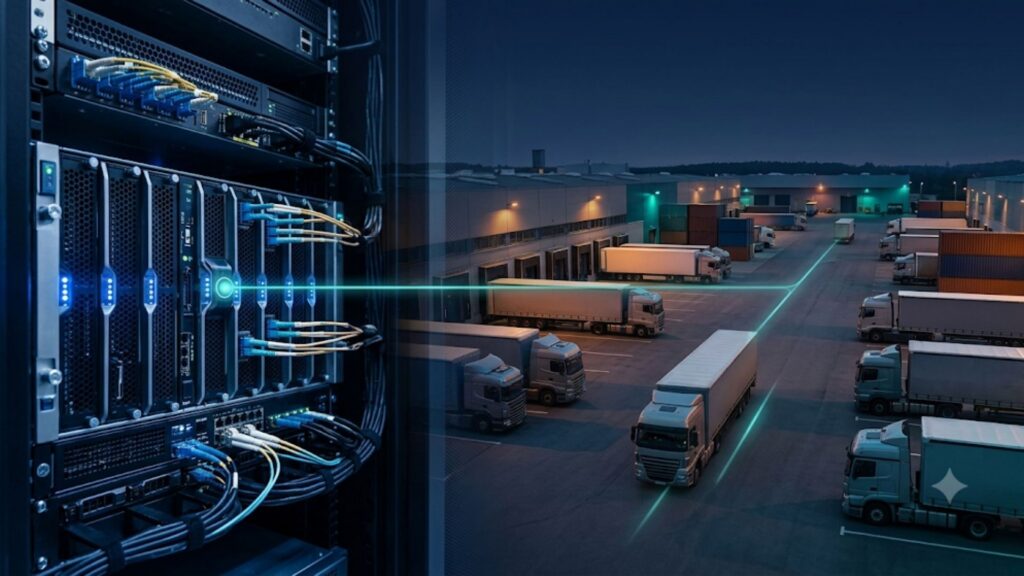
Gate data lives in three places
Appointments sit in one system, check-ins on a clipboard, yard moves on a radio. Nobody has one current view.
Every truck waits for a person
Without self-service check-in, gate throughput is capped by how fast a guard can key in each arrival.
Trailers and containers go missing
With no live yard and dock door record, finding one trailer can mean walking the whole facility.
Detention is invoiced, not prevented
Without time-stamped arrival and departure records, you can’t see free time running out or dispute a carrier’s charge.
Yard management software features Everything the gate, yard and desk need in one system
Appointment and Checkin
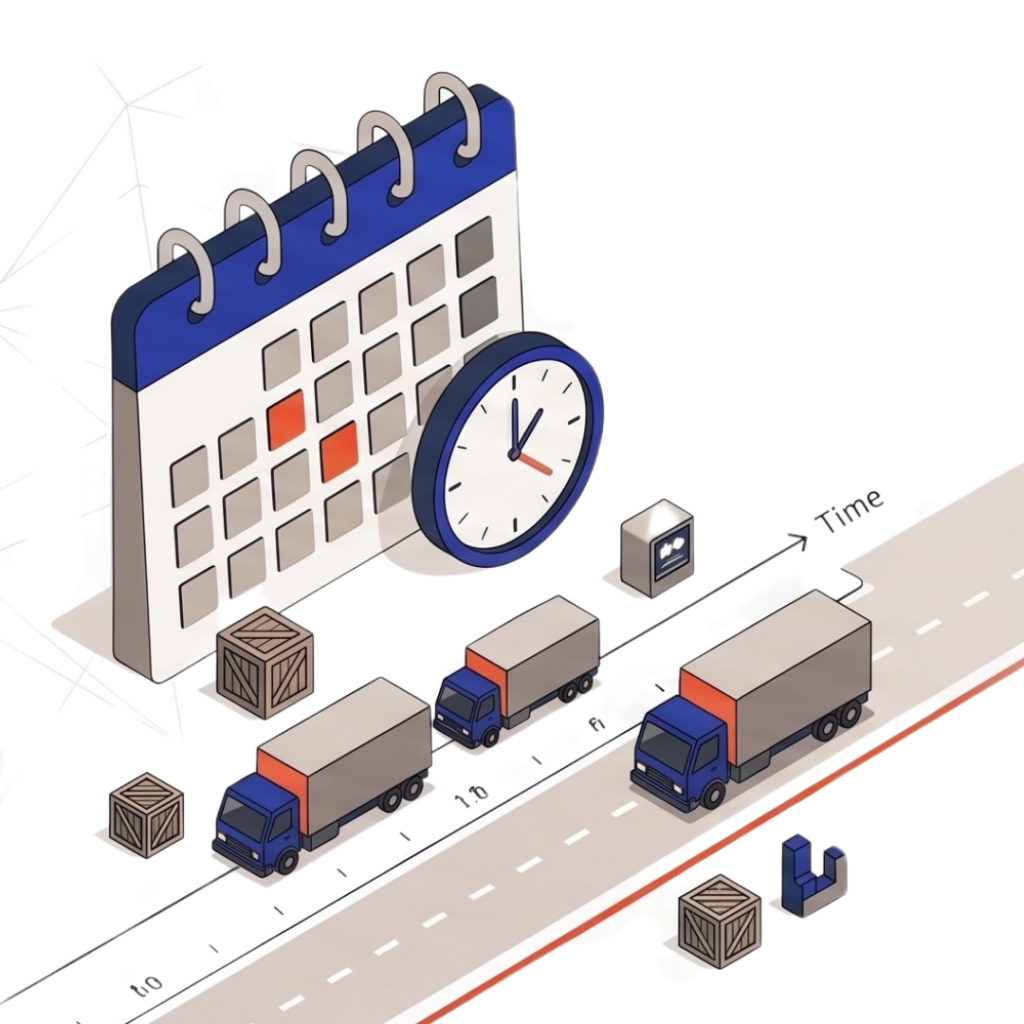
Appointment scheduling
Schedule inbound and outbound trucks, carriers, loads, dock appointments, and expected arrival times.
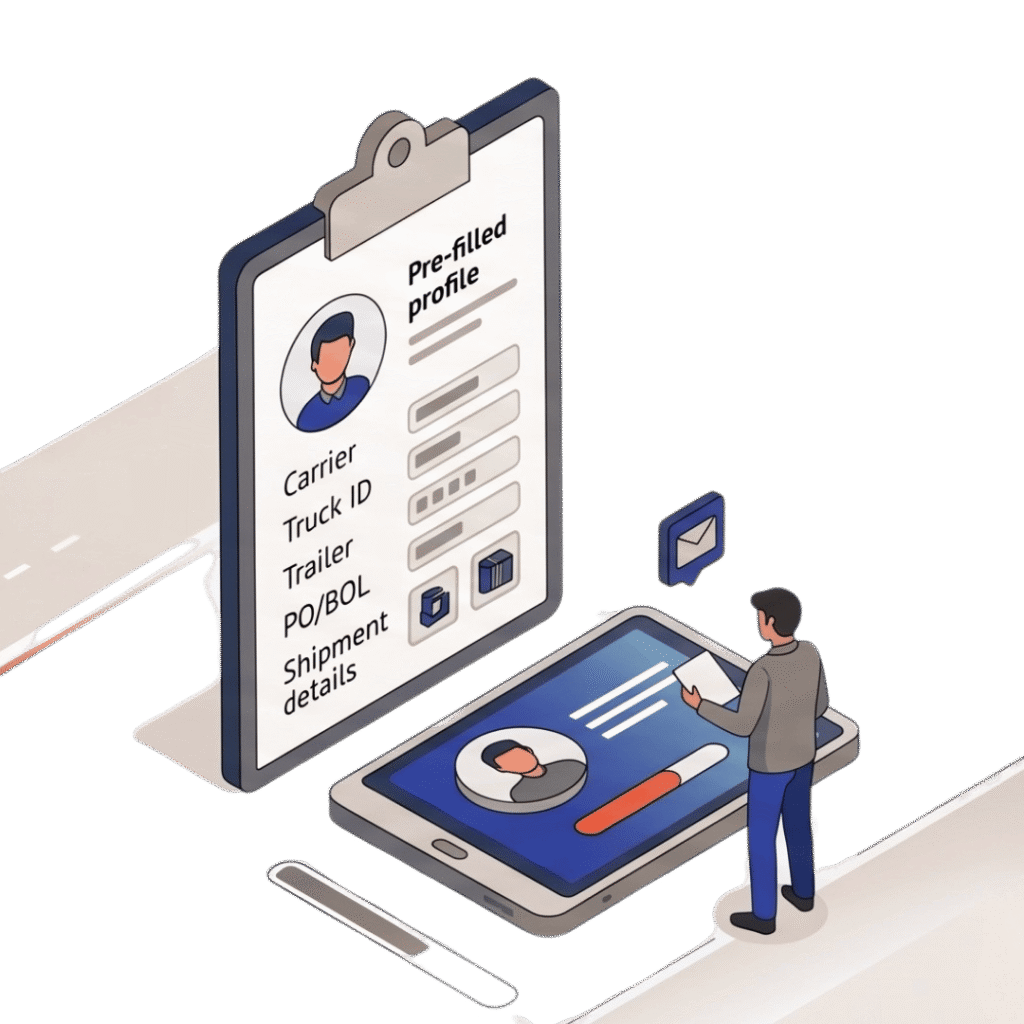
Driver pre-registration
Capture driver, carrier, truck, trailer, container, PO/BOL, and shipment details before arrival.
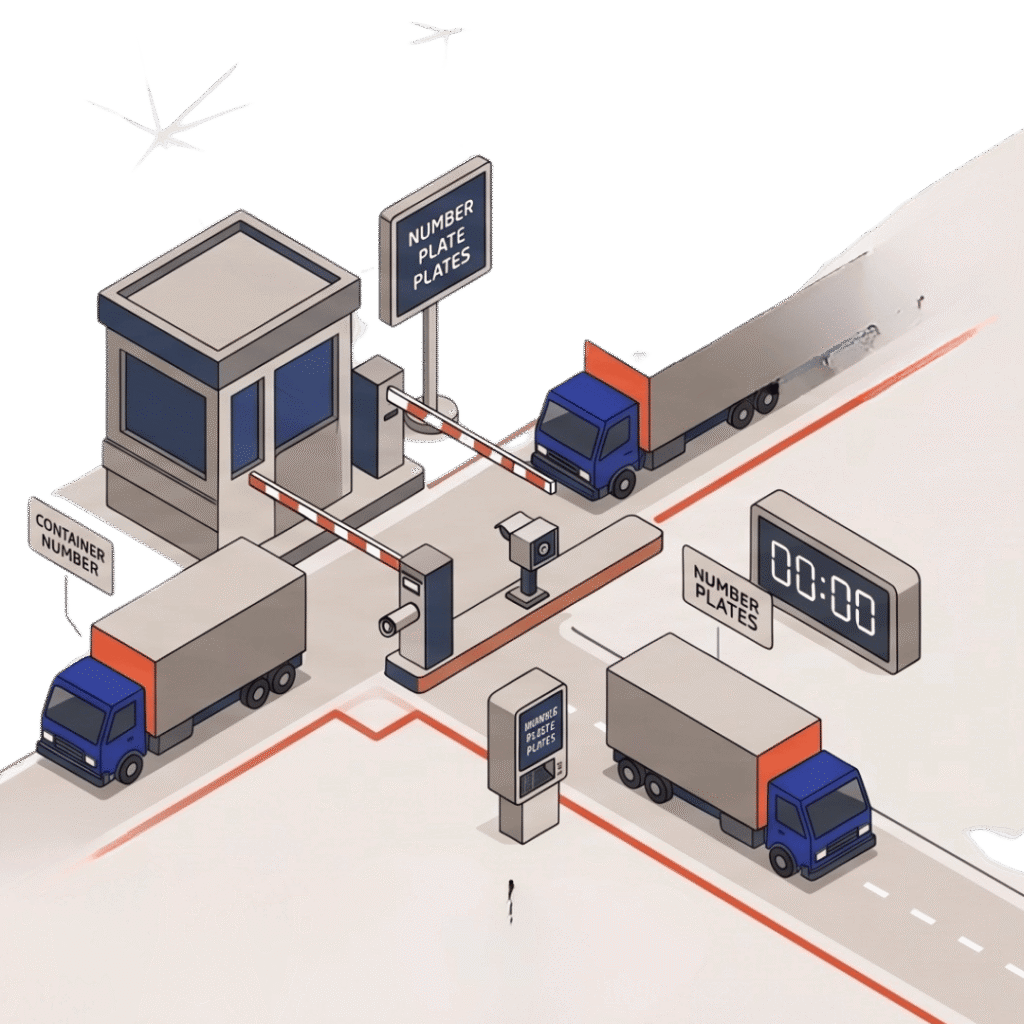
Gate check-in / check-out
Record arrival and departure, driver information, trailer or container numbers, seal numbers, and timestamps.
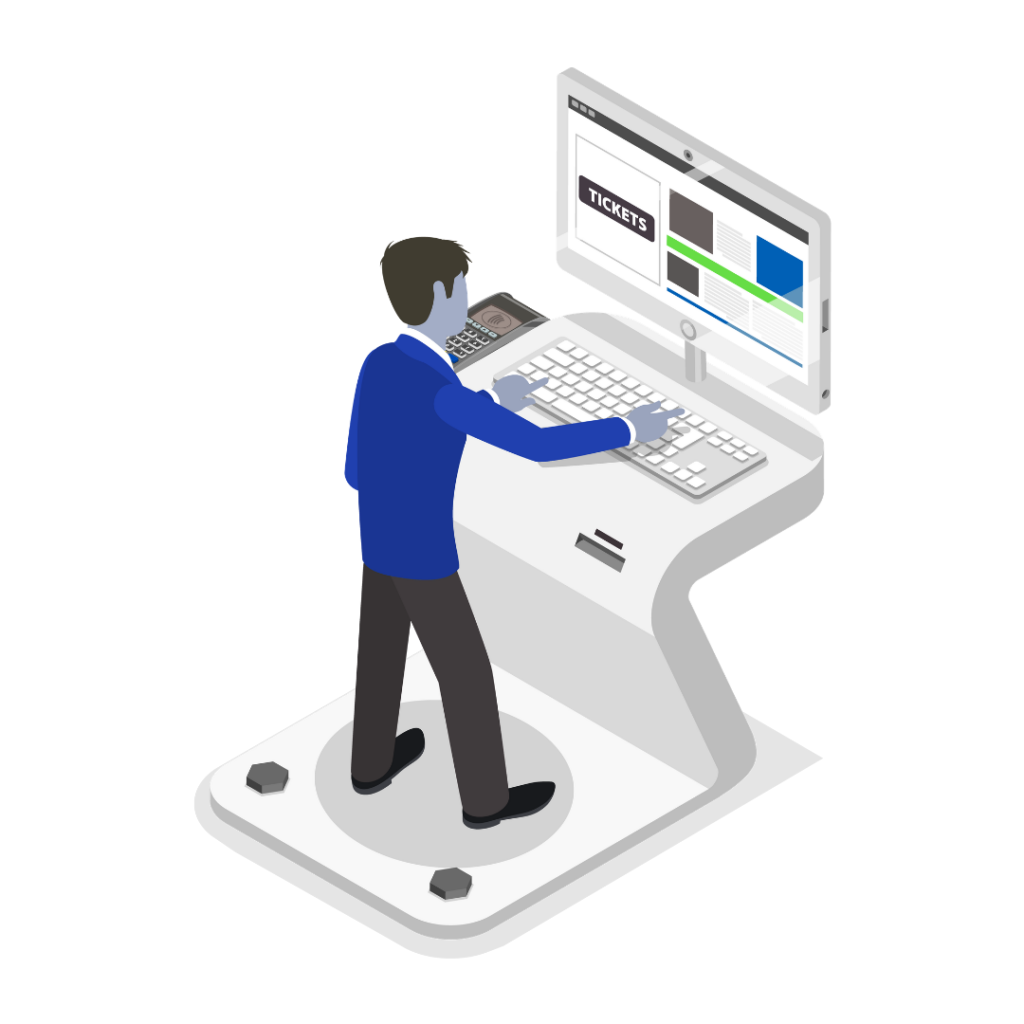
Self-service check-in
QR code signage, kiosk, or mobile app for unattended gate check-in – No guard required.
Yard & dock operations
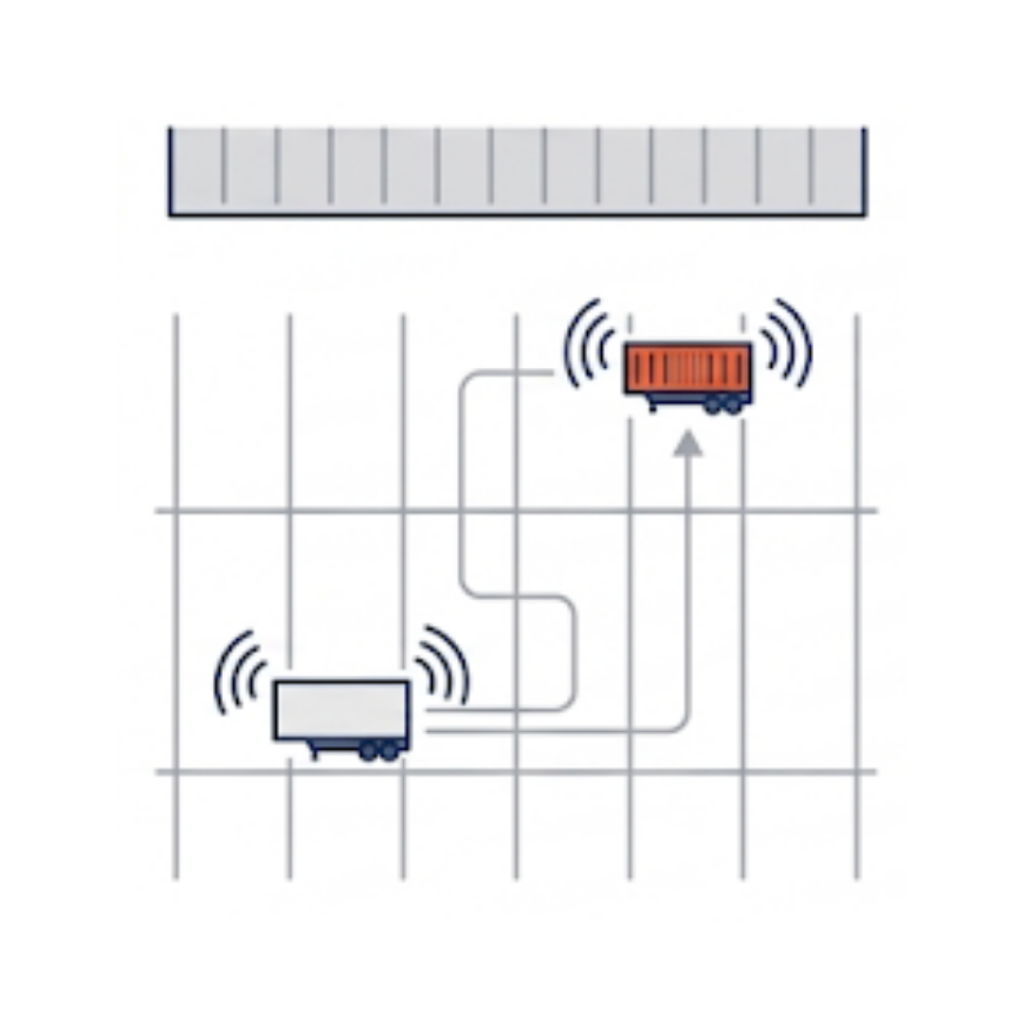
Trailer & container tracking
Track each trailer or container’s current yard location, status, and movement history.
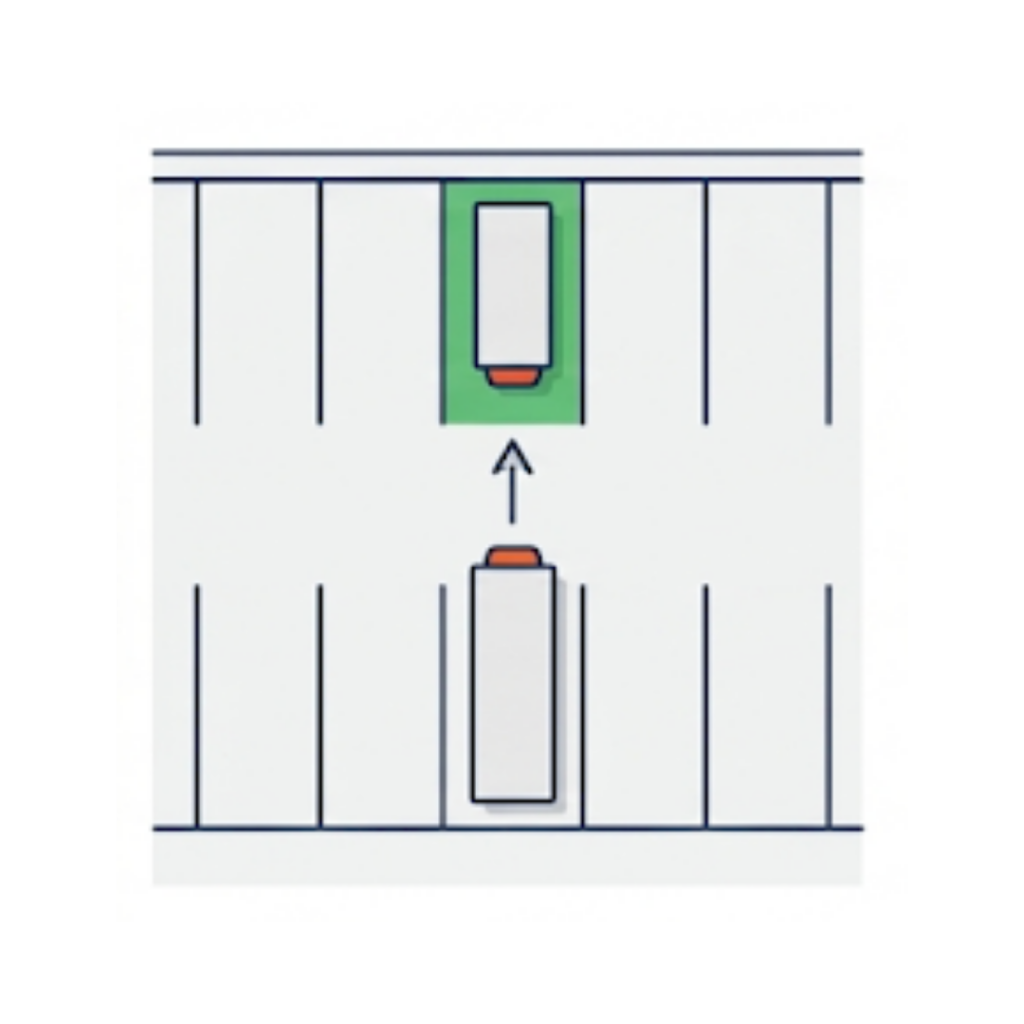
Parking spot assignment
Assign trucks or trailers to specific yard locations and staging areas.
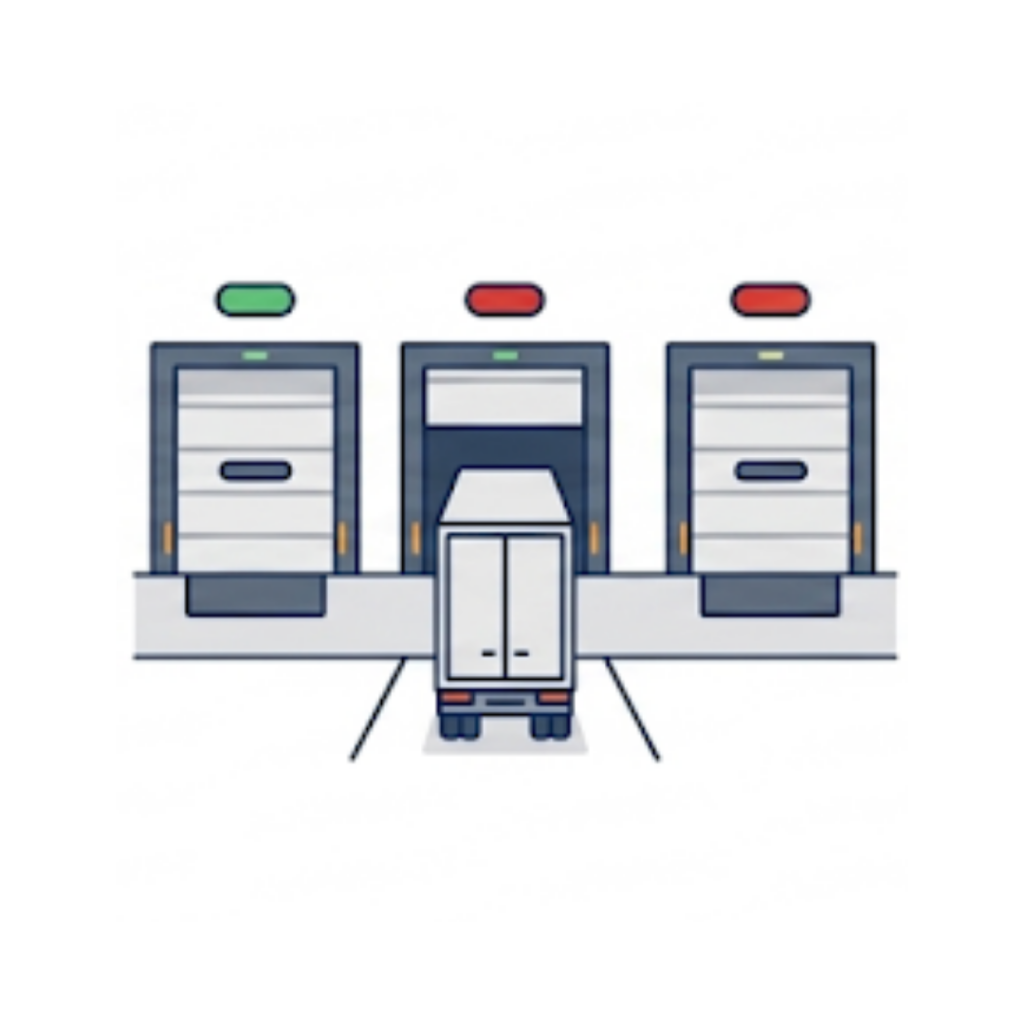
Dock door management
Assign trailers to dock doors and track door availability in real time.
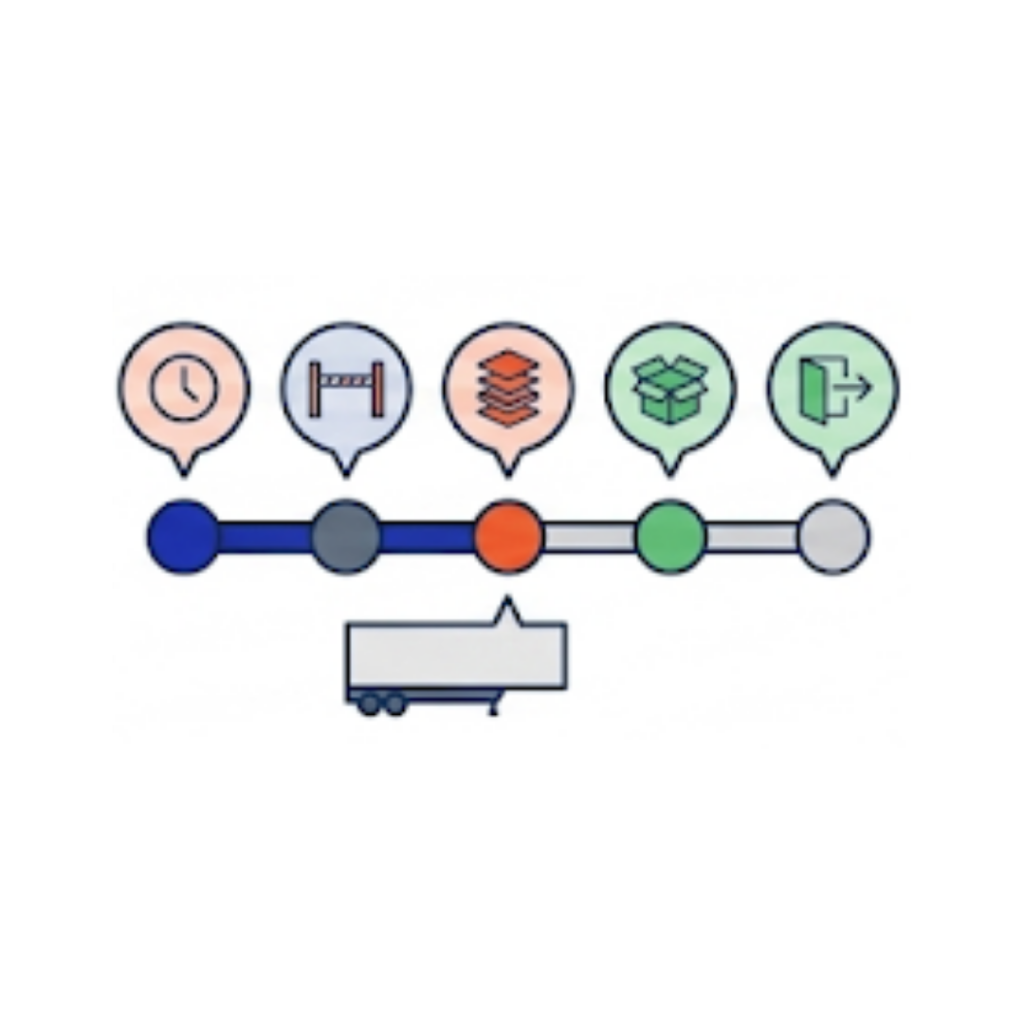
Trailer status tracking
Statuses such as Pending, Arrived, Staged, Empty, and Departed, updated as moves happen.
Carrier & compliance
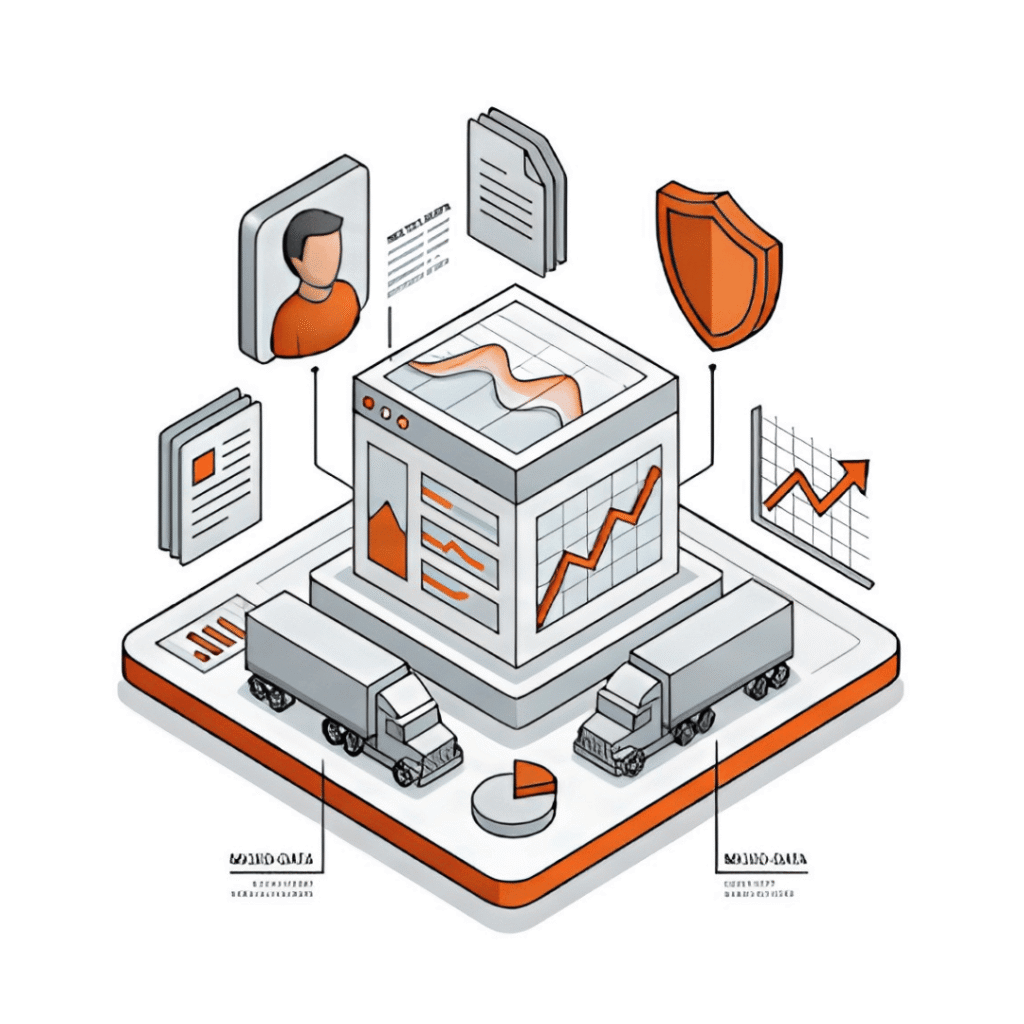
Carrier management
Maintain carrier records, contacts, insurance information, and performance history.
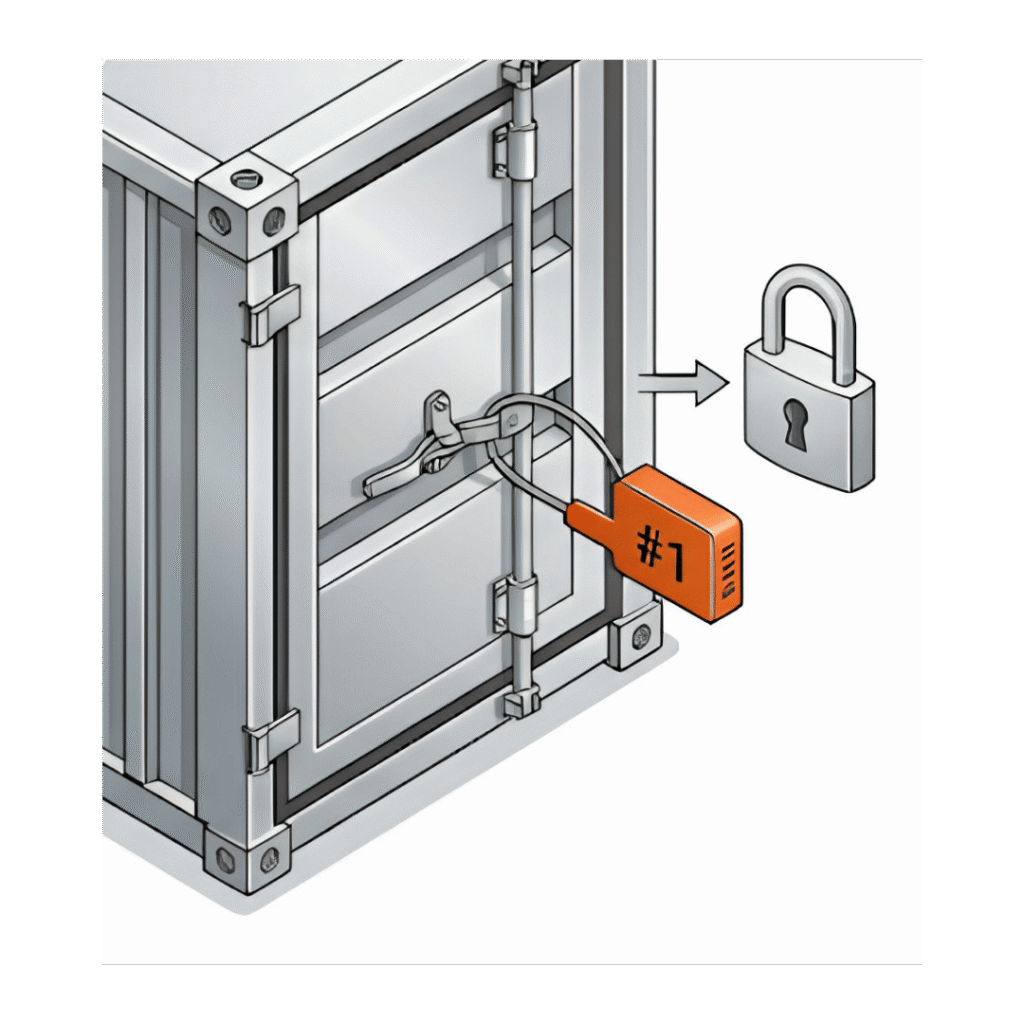
Seal management
Record inbound and outbound seal numbers and document seal verification.
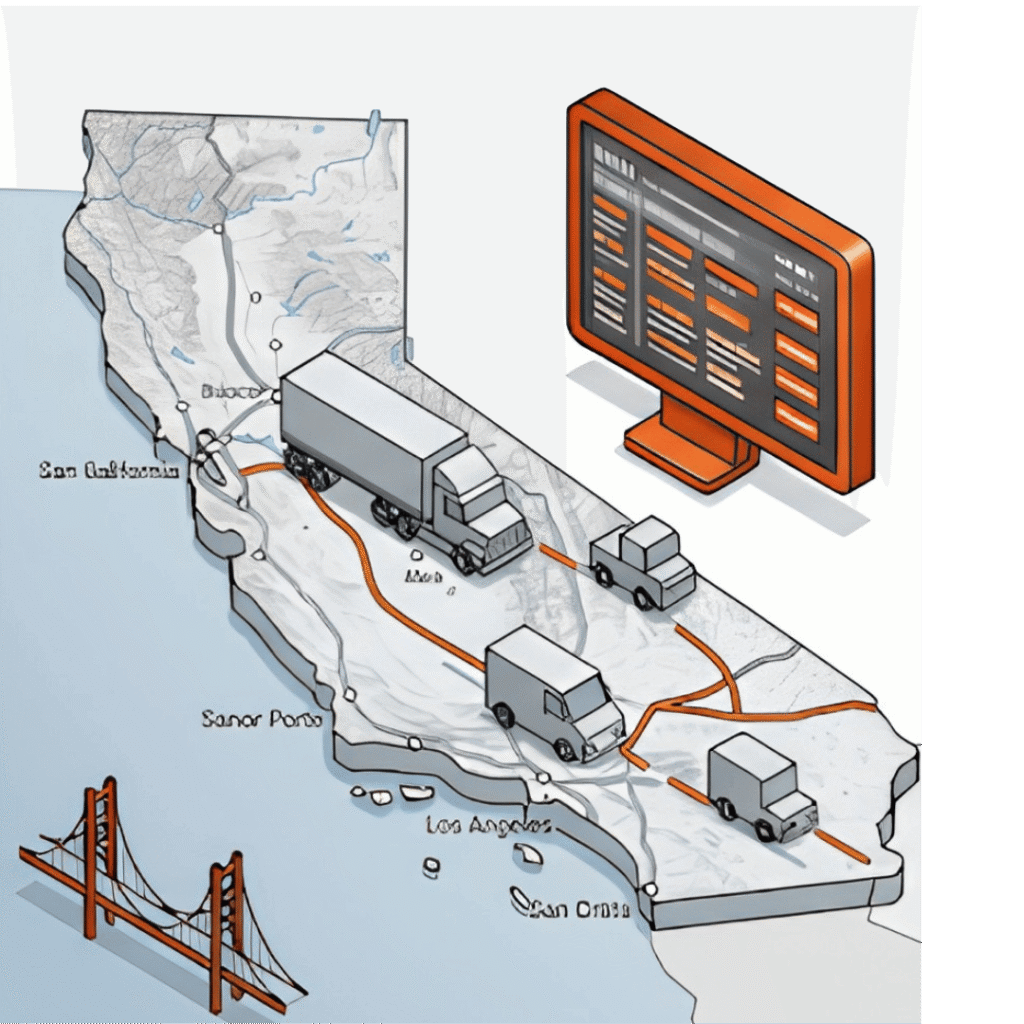
WAIRE compliance
Track vehicle activity by class and compute WAIRE points for California-based facilities.
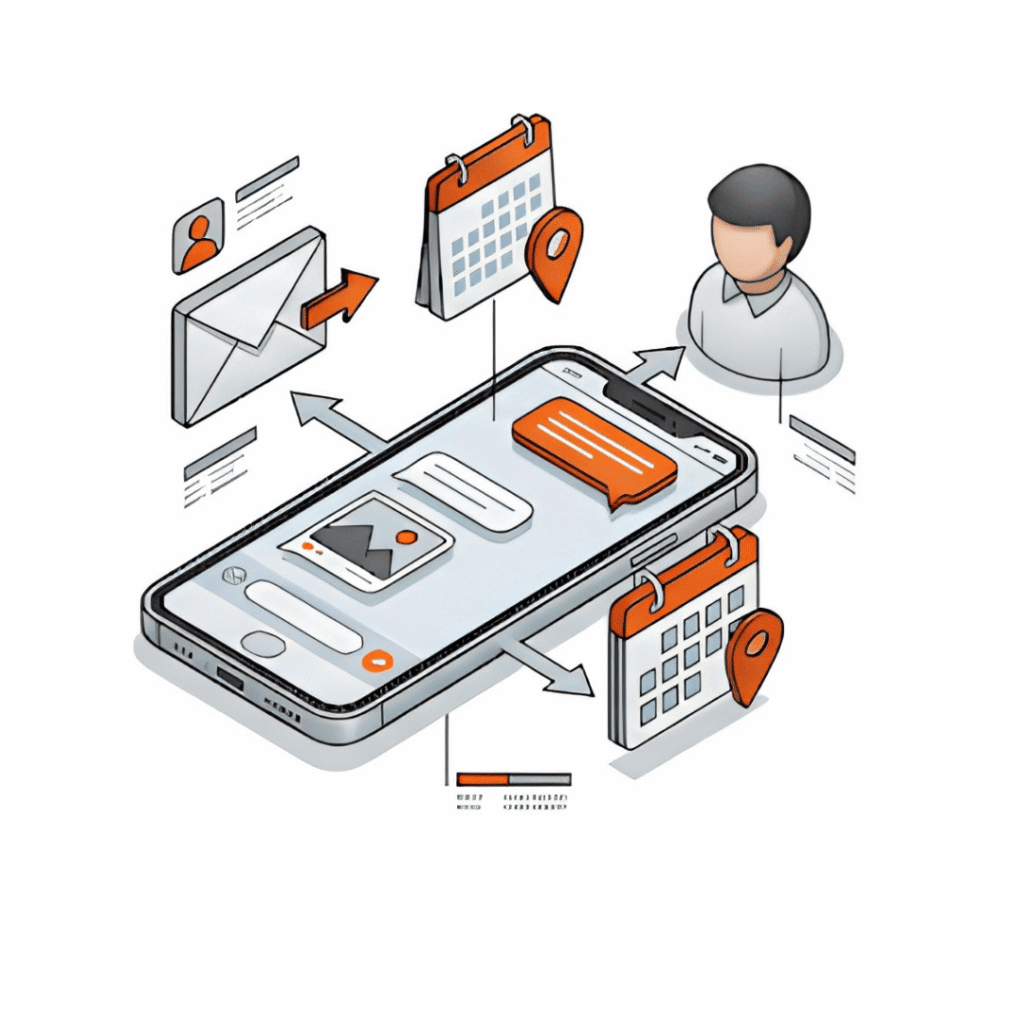
Driver communication
Send GatePass email and calendar invites for scheduled appointments automatically.
Visibility & reporting
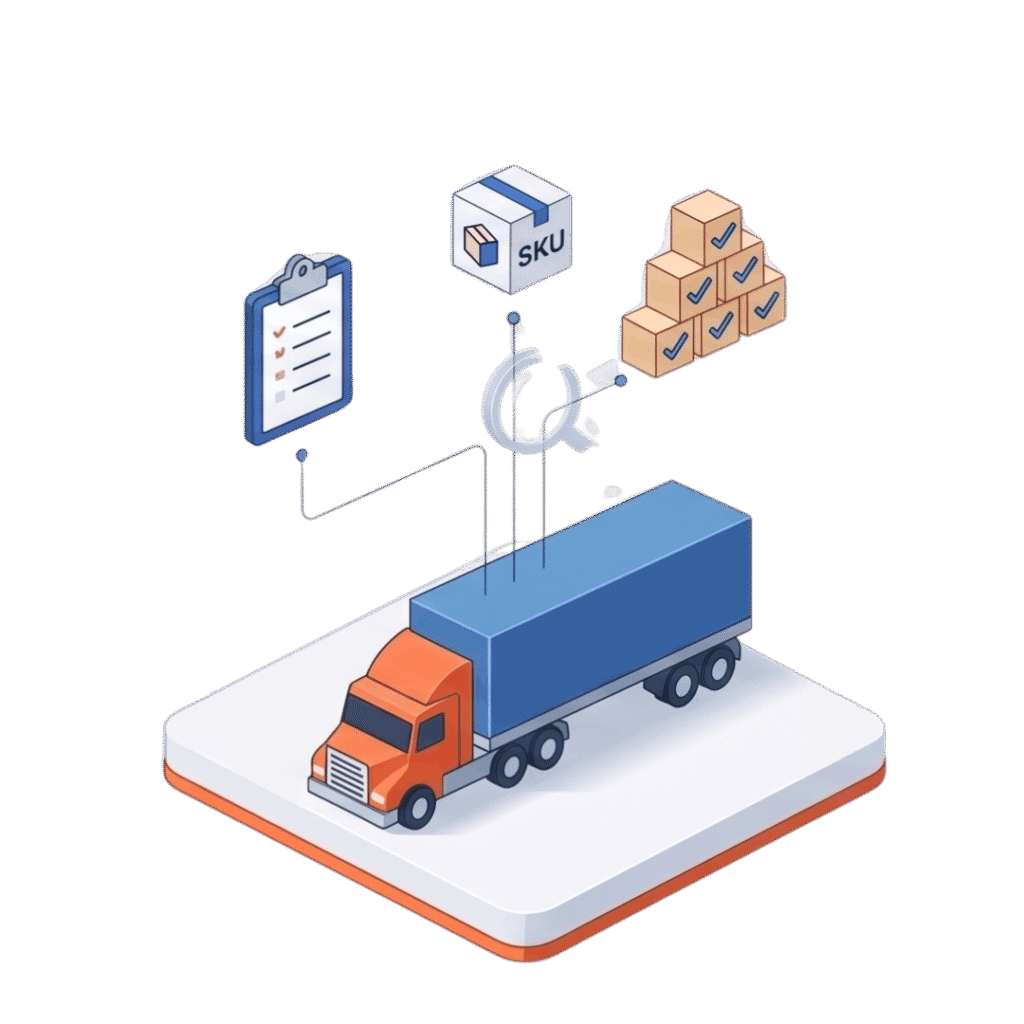
Inventory & load visibility
Associate trailers with POs, shipments, loads, SKUs, or inventory status.
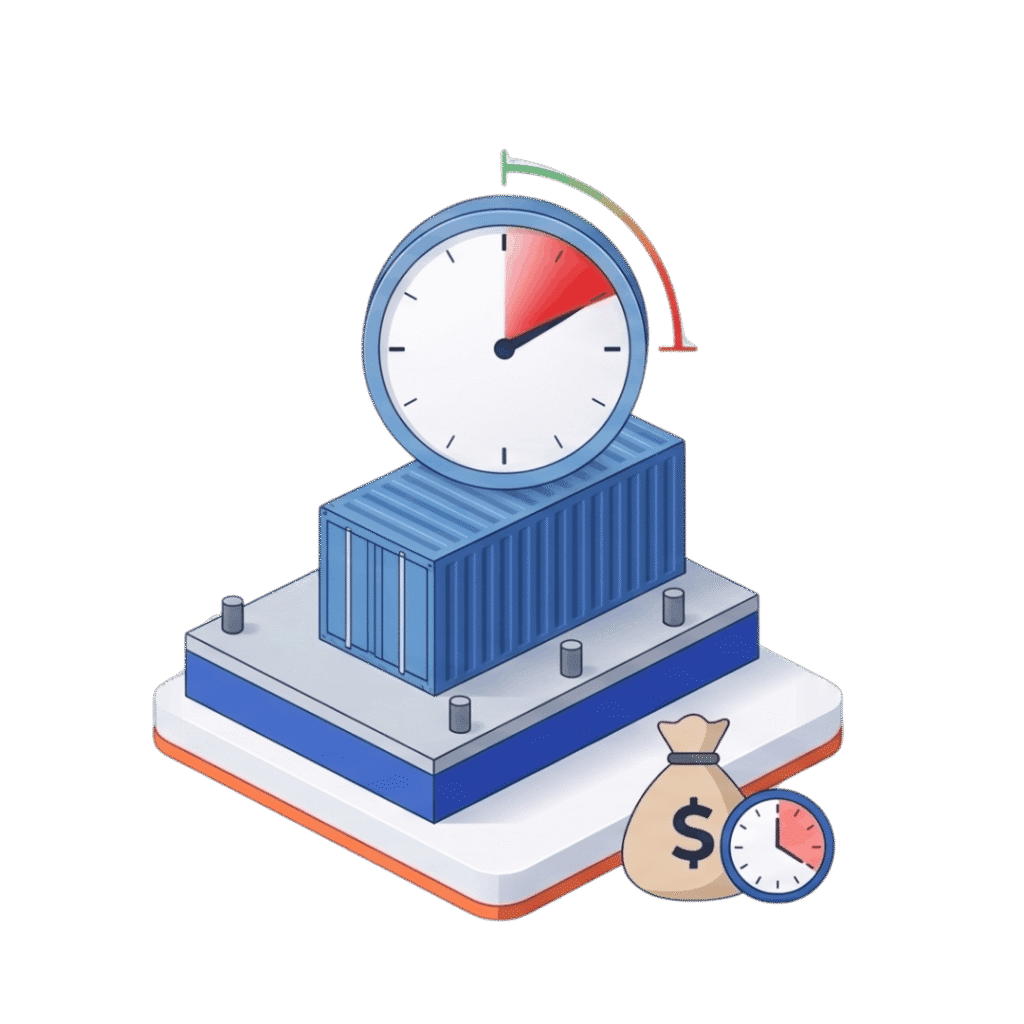
Detention & demurrage reporting
Identify equipment approaching free-time limits or detention thresholds before they become charges.
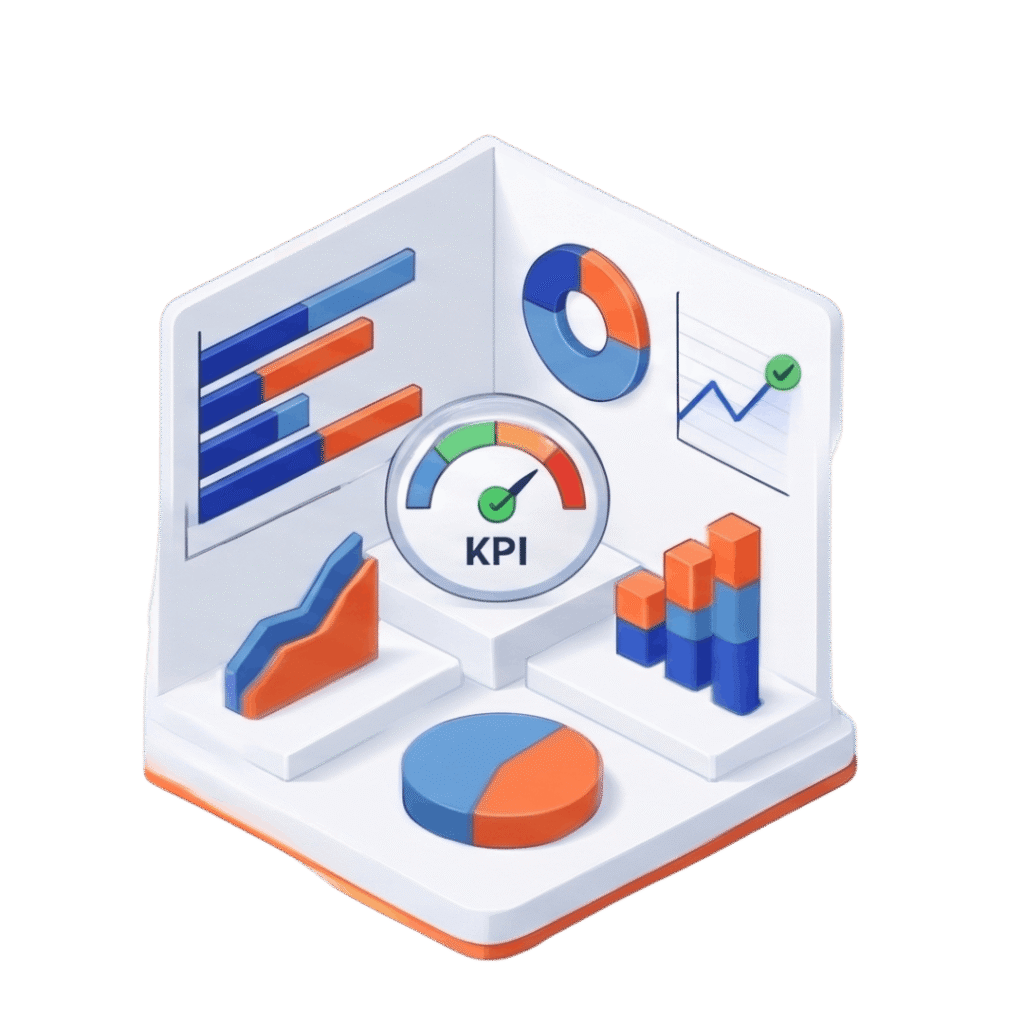
Reporting & KPIs
Dwell time, turn time, dock utilization, yard occupancy, carrier performance, gate volume, and move productivity.
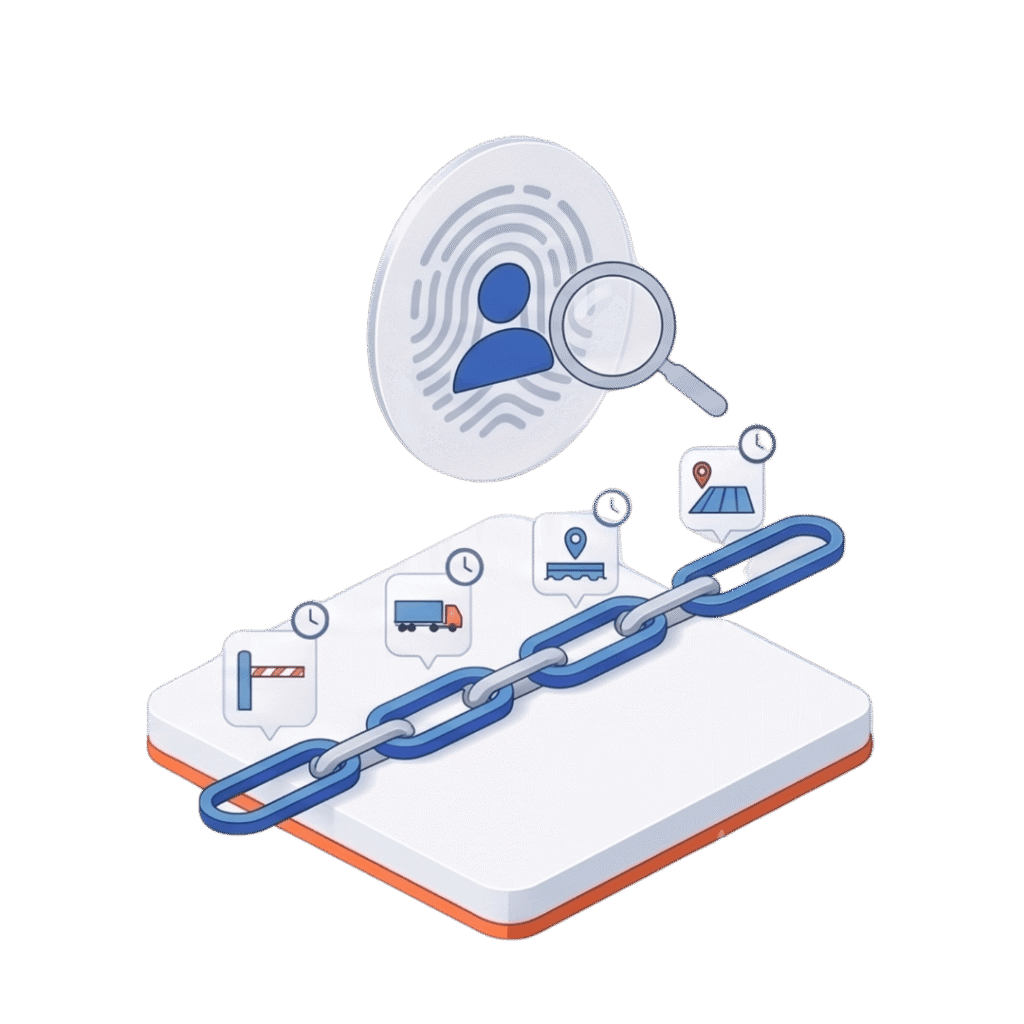
Audit trail
Maintain a complete history of who performed every gate, trailer, dock, and yard transaction.
Yard management software vs WMS vs TMS
A YMS doesn’t replace your WMS or TMS. It covers the ground between them.
Yard management software (YMS) | Warehouse management system (WMS) | Transportation management system (TMS) | |
|---|---|---|---|
Manages | Trucks, trailers and containers on your property | Inventory and labor inside the building | Freight on the road between locations |
Starts | At the gate | At the dock door | At the shipper |
Key records | Check-in/out times, yard location, seal numbers, door assignment | Receipts, putaway, picks, shipments | Loads, carriers, rates, routes, tracking |
Key metrics | Dwell time, turn time, door utilization, detention exposure | Inventory accuracy, pick rate, order cycle time | Cost per mile, on-time delivery, carrier performance |
Typical users | Gate guards, yard drivers, warehouse/shipping desk | Warehouse operators, supervisors | Transportation planners, freight buyers |
Yard KPIs tracked automatically
Dwell & turn time
Tracked automatically, appointment to departure
Dock & yard occupancy
Live utilization across every door and slot
Carrier performance
Scored on every gate transaction
Gate volume
Reported by date range, on demand
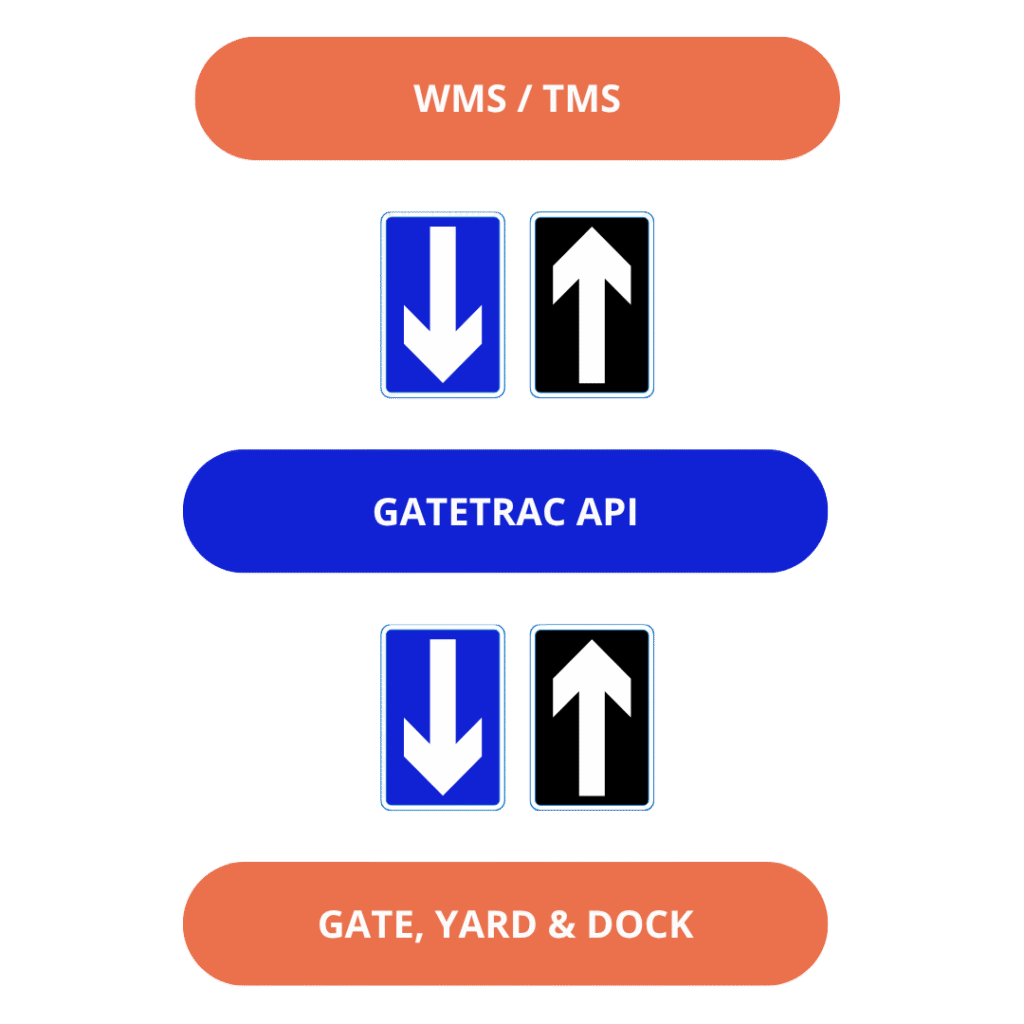
Appointment, carrier, load, and seal data move both directions – GateTrac complements your existing WMS and TMS instead of replacing them.
GateTrac syncs with the WMS and TMS you already run
GateTrac complements your existing systems rather than replacing them. An API connects your WMS to GateTrac so inbound and outbound order data flows in automatically instead of being re-keyed at the gate:
- Load type and PO number
- Appointment details
- Carrier, trailer and seal number
- Dock door assignment
Check-in times, door assignments, seal verification and departure times flow back, so your WMS and TMS always reflect what actually happened in the yard.
Benefits and ROI of yard management software
The biggest return usually comes from detention you stop paying and dock hours you stop wasting. Waiting at facilities is a large, measurable cost across trucking: ATRI found detention cost U.S. for-hire carriers $11.5 billion in lost productivity and $3.6 billion in direct expenses in 2023, and drivers were detained at 39.3% of stops (Truck News on ATRI, Sept 2024). Carriers pass that cost back to shippers and receivers as detention fees and higher rates.
What a YMS changes:
- Lower detention and demurrage - Time-stamped arrival and departure records show free time running out before it becomes a charge, and give you evidence to dispute invalid invoices.
- Shorter dwell and turn times. Trucks go straight to an assigned slot or door instead of waiting for someone to find space.
- Higher dock door utilization - The desk sees which doors are free and which trailers are ready.
- Fewer lost trailers - Every trailer has a recorded location and status; no more yard walks.
- Faster gate throughput - Self-service check-in removes the guard bottleneck during peaks.
- Lower labor cost - Fewer radio calls, manual yard checks and re-keyed data.
- Better carrier relationships - Drivers who turn faster prefer your facility; carrier scorecards are built on real data.
- Compliance records - Every truck trip, seal and transaction is logged for audits and programs like WAIRE.
Who uses yard management software?

3PL Warehouses
Multiple customers, carriers and appointment rules in one yard; per-client reporting on dwell and detention.
Distribution centers
High inbound/outbound volume where door scheduling decides throughput.
Manufacturing plants
Inbound raw materials and outbound finished goods sharing one yard and gate.
Cold Chain and F&B
Refrigerated trailers waiting in the yard cost the most; ATRI found reefer trailers faced detention at 56.2% of stops in 2023 (Truck News).
Retail and e-commerce fulfillment
Peak-season surges where self check-in keeps the gate moving.
California warehouses under WAIRE
South Coast AQMD Rule 2305 calculates each warehouse’s points obligation from Weighted Annual Truck Trips, where Class 8 trips count 2.5× and a single truck visit equals two trips (entry and exit) (South Coast AQMD Rule 2305 FAQ). GateTrac logs every trip by vehicle class at the gate, so the count comes from records, not estimates.
How to choose yard management software
Use this checklist when comparing YMS vendors:
- Gate flexibility - supports guarded and unguarded gates, with and without appointments
- Hardware needs - Runs on phones and tablets you already own, or requires RFID tags, cameras or dedicated terminals
- Integration - Open API to your WMS and TMS; two-way data flow
- Time to go live - Days or weeks vs a multi-month project
- Pricing model - Per facility, per user, per transaction; what's included
- Detention tooling - Free-time alerts and exportable time-stamped evidence
- Reporting - Dwell, turn time, door utilization, carrier scorecards out of the box
- Compliance - WAIRE truck-trip records if you operate in Southern California
- Scalability- One site today, many sites later, with central visibility
- Support - Who configures it, who trains your guards, who you call at 2 a.m.
Where GateTrac fits
GateTrac is built for 3PLs, distribution centers and manufacturers that want gate-to-dock visibility without a hardware project. It runs in a browser on any phone or handheld, is licensed per facility, and connects to your WMS by API. If your yard needs automated yard-truck dispatch or camera-based gate automation, ask us how GateTrac works alongside those systems.
Implementing GateTrac yard management software
- Discovery call – We map your gate flow, yard layout, doors and appointment process.
- Configuration – Yard slots, dock doors, statuses, carriers and user roles set up for your site.
- WMS/TMS connection – API mapping for loads, POs, appointments and door assignments.
- QR signage and GatePass setup – For self-service check-in.
- Training – Guards, yard team and desk staff; typically [30 minutes].
- Go-live and review – First-week check-in on dwell and check-in times.
Frequently Asked Questions (FAQs)

What is a yard management system (YMS)?
A yard management system is software that tracks trucks, trailers and containers from gate arrival to departure. It records check-ins, assigns yard slots and dock doors, shows each trailer’s real-time status, and reports dwell and turn times so the warehouse runs the yard from one live record.
What is the difference between a YMS and a WMS?
A WMS manages inventory and labor inside the warehouse; a YMS manages the trucks and trailers outside it, from the gate to the dock door. GateTrac connects to your WMS by API so load, PO and appointment data flows between the two.
Do I need yard management software if I already have a WMS and TMS?
Usually, yes. Neither system tracks what happens between the gate and the dock — where trailers wait, how long they’ve been on site, or which door is free. That gap is where dwell time and detention charges build up.
How much does yard management software cost?
It depends on the number of facilities, users and integrations, and whether hardware is required. GateTrac is licensed per facility with no hardware purchase. Request Pricing
How long does it take to implement a YMS?
Enterprise systems with hardware can take 1 week to 2 weeks. GateTrac runs in a browser on existing phones and handhelds, so most of the setup is configuring your yard, doors and WMS connection — typically [1 Day implementation].
What KPIs should yard management software track?
Dwell time, truck turn time, dock door utilization, yard occupancy, detention exposure, carrier on-time performance and gate volume. GateTrac calculates all of these from gate and yard transactions automatically.
What problems does GateTrac yard management software solve?
It removes the blind spots in your yard: long trailer dwell, idle dock doors, detention and demurrage charges, and manual records on spreadsheets, radios and whiteboards. Driver self check-in also reduces the need for guards at the gate.
How does GateTrac work in a live facility?
It captures data at the gate, in the yard and at the dock, showing where every trailer is, its status, how long it has been on site and what needs to happen next – so teams plan moves instead of reacting to them.
Does GateTrac support multiple warehouse yards?
Yes. GateTrac is licensed per facility, with central visibility across sites and site-level configuration of yards, doors and workflows.
How does GateTrac reduce detention and demurrage costs?
It time-stamps arrivals, dwell, door activity and departures, and flags equipment approaching free-time limits. Carriers and drayage providers can be alerted in real time, and you keep documented evidence to prevent or dispute charges.
Can GateTrac replace pen and paper, radios and spreadsheets?
Yes. Every gate, yard and dock transaction is captured digitally, time-stamped and updated in real time, with a full audit trail of who did what.
What hardware does GateTrac need?
None beyond what you have. GateTrac runs in a web browser on any iOS or Android phone, tablet or handheld scanner, with nothing to download. It needs Wi-Fi or cellular connectivity, and supports barcode and QR scanning.
Does GateTrac support driver self check-in?
Yes. Drivers scan a QR code at the gate or open a mobile link to check in themselves, with or without an appointment. The warehouse desk sees each arrival in real time and sends yard or dock instructions.
Is GateTrac suitable for small and mid-sized facilities?
Yes. It scales from a single site to a multi-site network without the cost or complexity of an enterprise hardware rollout.
See GateTrac yard management software run a check-in end to end
Tell us about your gate and yard operation and we’ll walk you through a live session – appointment sync, attended or self-service check-in, yard placement, and dock assignment.
- 30-minute walkthrough with a product specialist
- See attended and self-service check-in against your own gate flow
- No cost, no obligation, no long onboarding call required