Real-Time Truck Gate Management Software That Unlocks Yard & Dock Velocity
Replace clipboards, manual phone calls, and gate logbooks with automated check-in, dynamic dock routing, and sub-minute driver turn times.
Where Traditional Gate Management Breaks Down
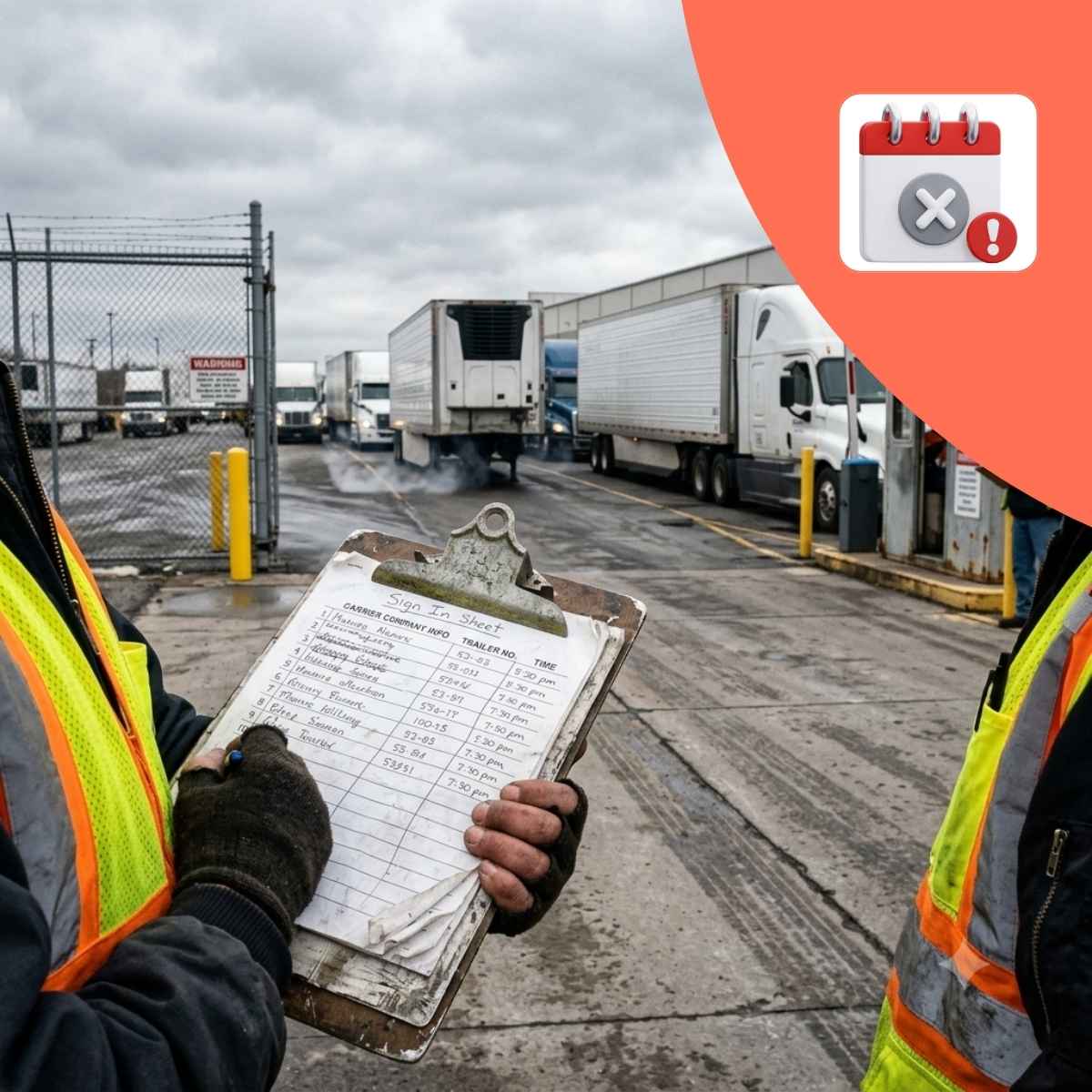
A bottleneck at the gate creates a domino effect across your entire facility. When security guards, yard jockeys, and shipping clerks operate in silos, facilities face predictable breakdowns:
- The 15-Minute Paperwork Trap: Manually verifying driver licenses, bill of lading (BOL) numbers, seal integrity, and container numbers causes gate line-ups. A queue of just 4 trucks can back up traffic onto municipal roads, triggering traffic citations and neighbor complaints.
- Blind Dock Scheduling: Guard shacks rarely know which dock doors are actually open, which are being unloaded, and which are blocked by uncoupled hostler moves. Drivers get sent to occupied bays, forcing dangerous blind backing maneuvers and apron gridlock.
- Detention Charges from Misplaced Priority: Hot loads, expedited freight, and strict appointments get buried behind drop-trailers because paper check-in queues process vehicles chronologically rather than by production priority.
- Unverified Seals and Inbound O&SD Claims: Guards rushing to clear gate queues skip meticulous physical seal checks and trailer inspections. Missing, damaged, or tampered cargo enters the yard without a verifiable audit trail, leaving the facility liable for freight claims.
- Unassigned Trailer "Black Holes": Dropped trailers logged manually with vague notes like "Row C" force yard jockeys to spend 20 to 30 minutes hunting for equipment instead of spotting doors.
How GateTrac Automates Gate Flow in 4 Steps
Pre-Arrival Verification & Rapid Check-In
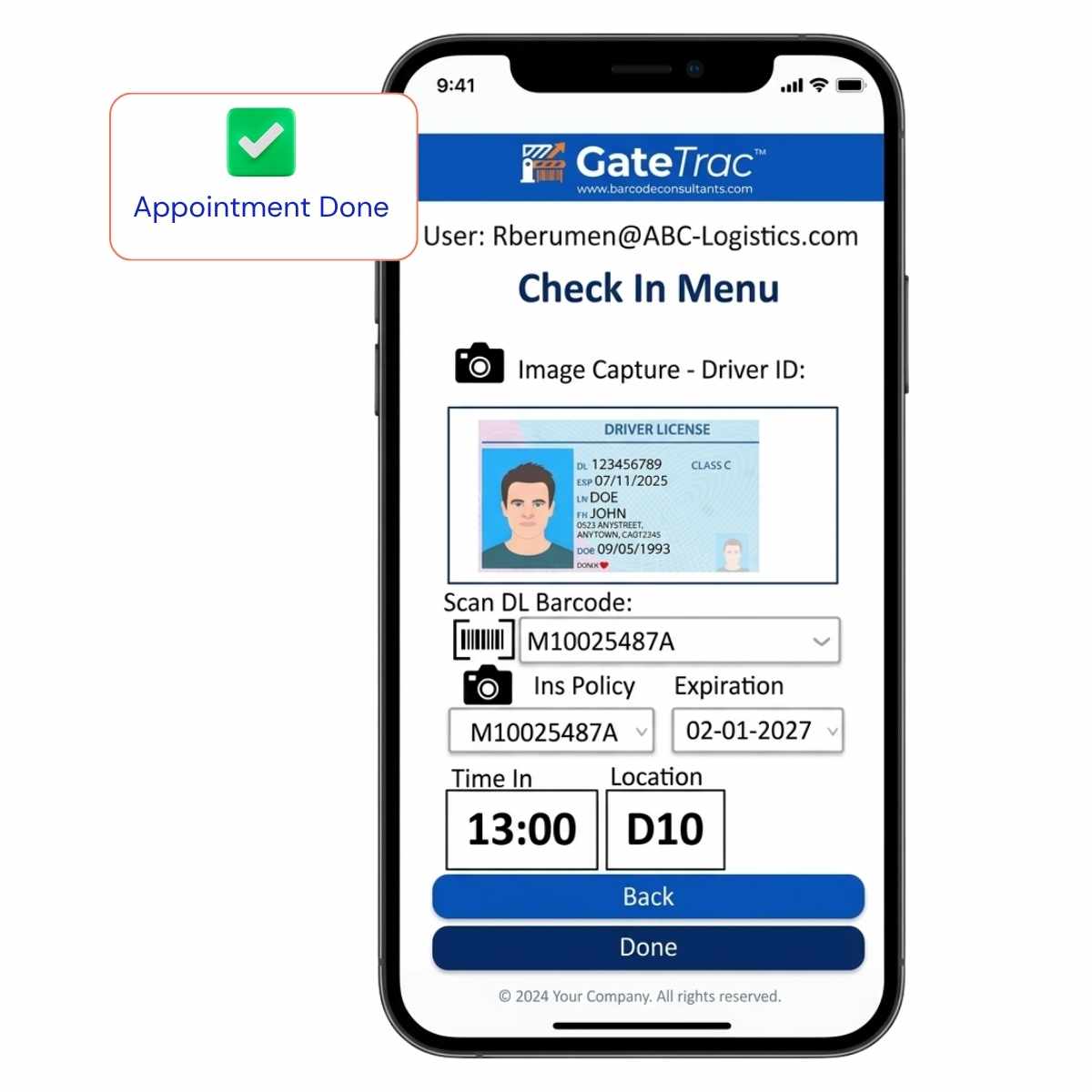
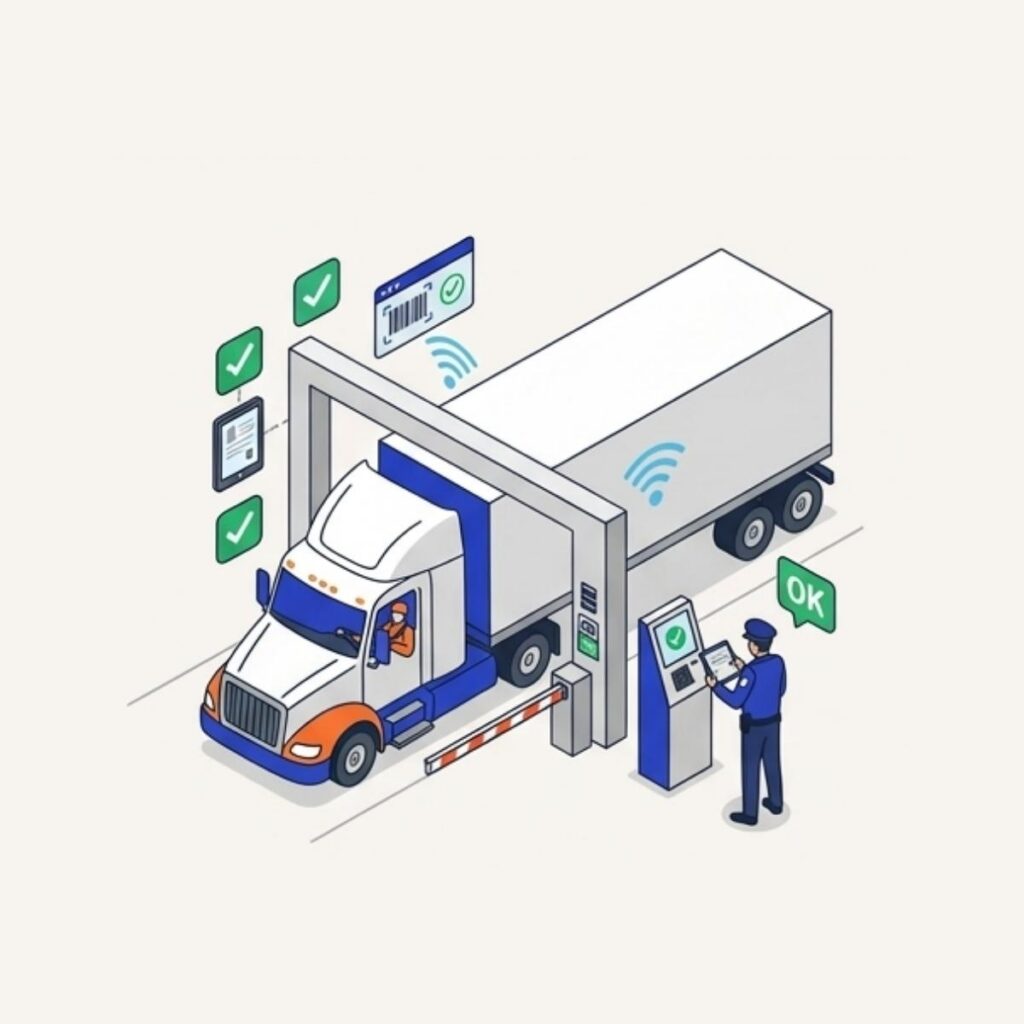
Drivers arrive with digital pre-booked appointment IDs or register via touch-screen driver kiosks / attended guard tablets. GateTrac cross-checks appointment time, PO numbers, and carrier authorization in under 60 seconds.
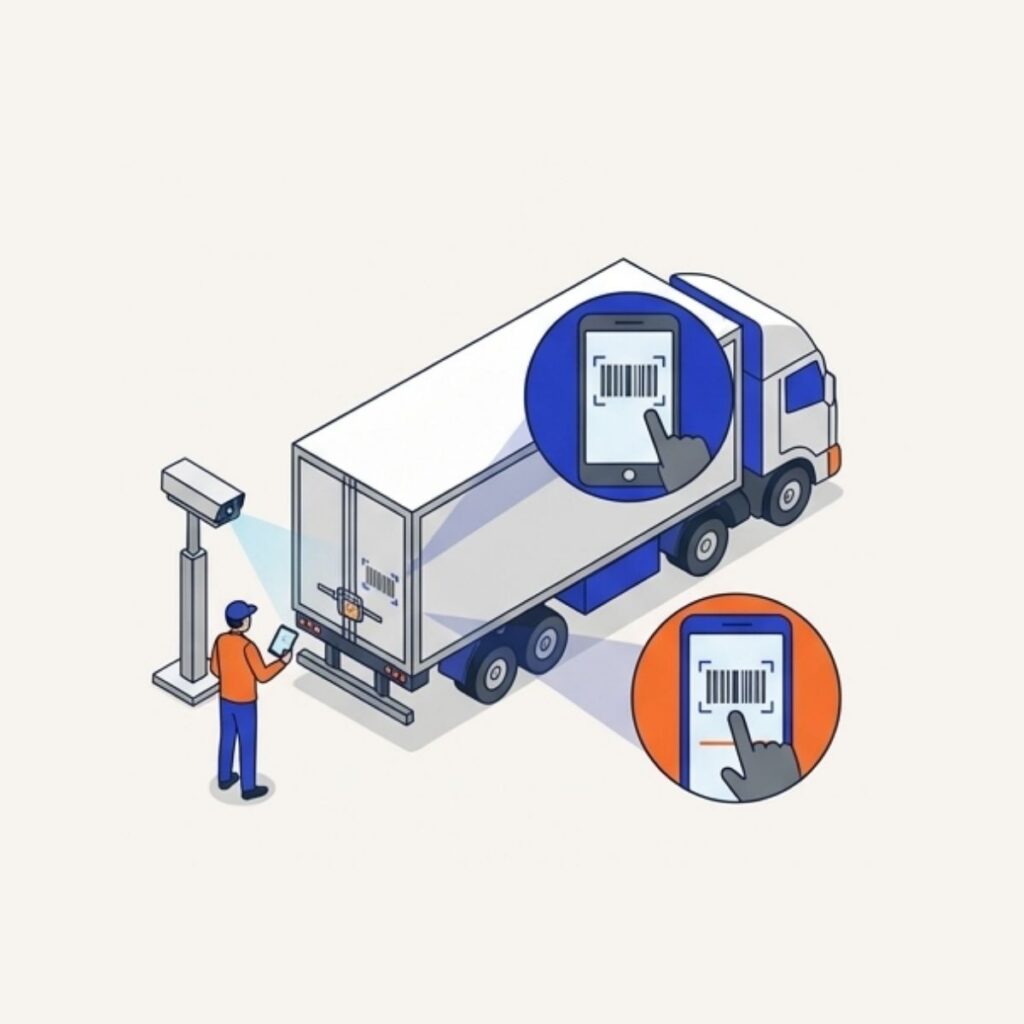
Instant Physical Inspection & Seal Capture
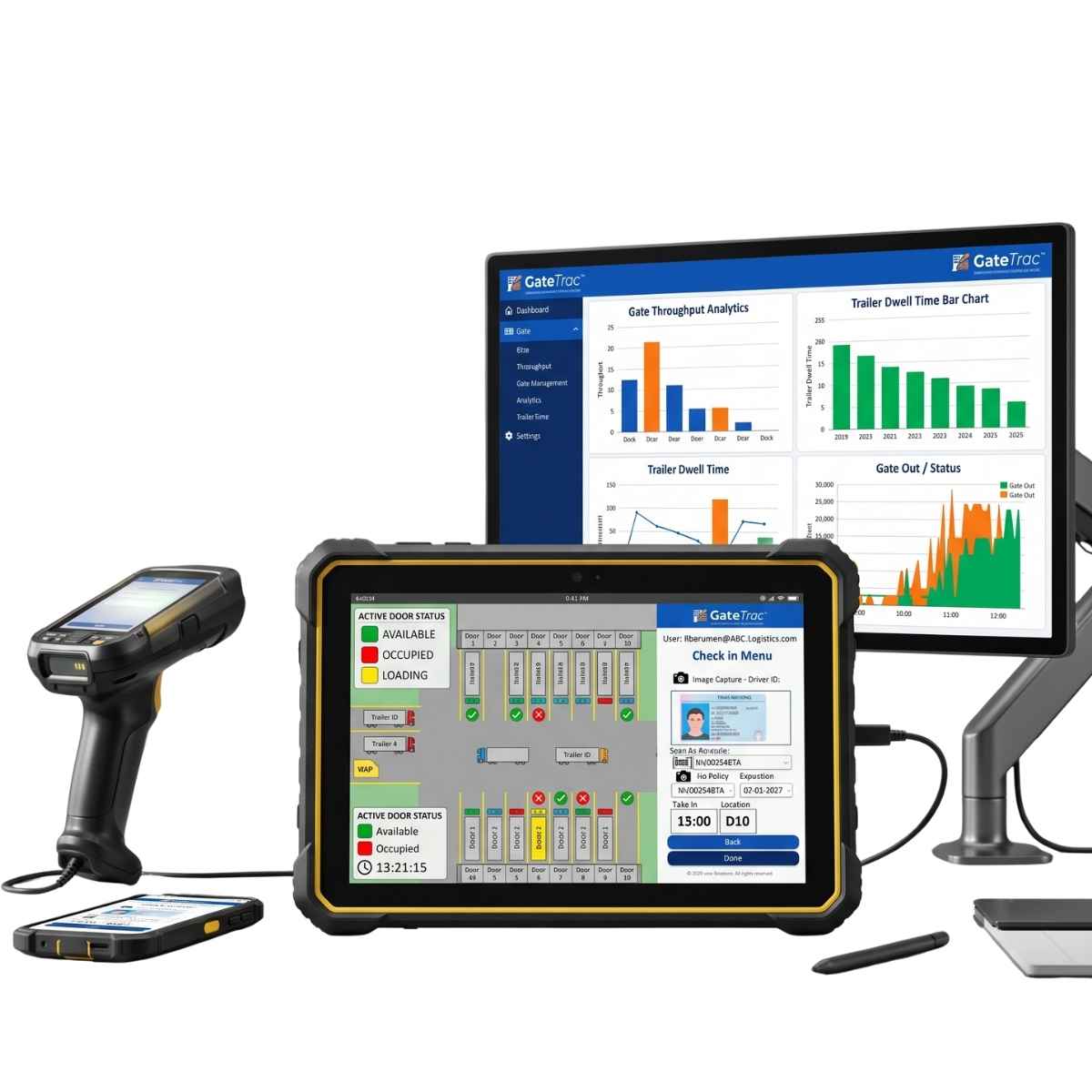
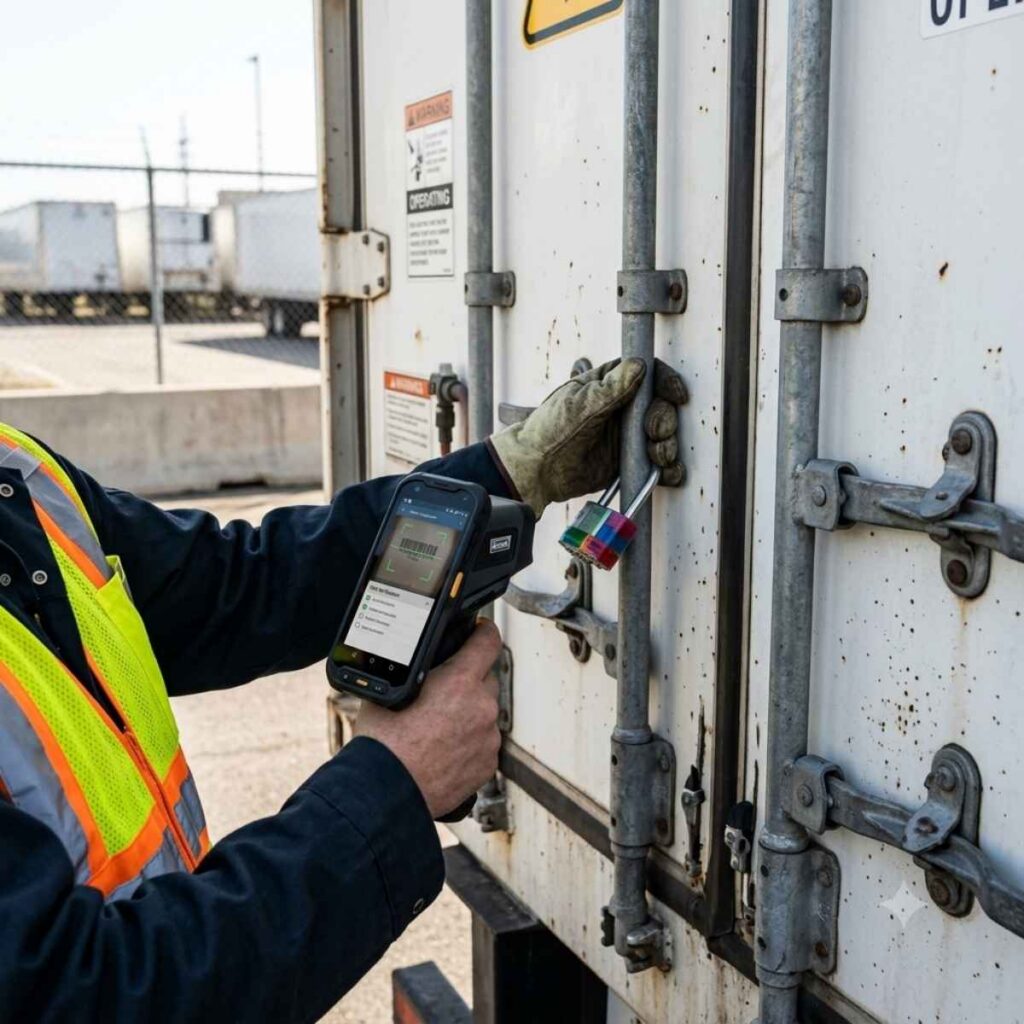
Security guards capture digital high-resolution photos of container seals, trailer damage, and license plates directly into the trailer master record using rugged handhelds. No paper clipboards, no lost forms.
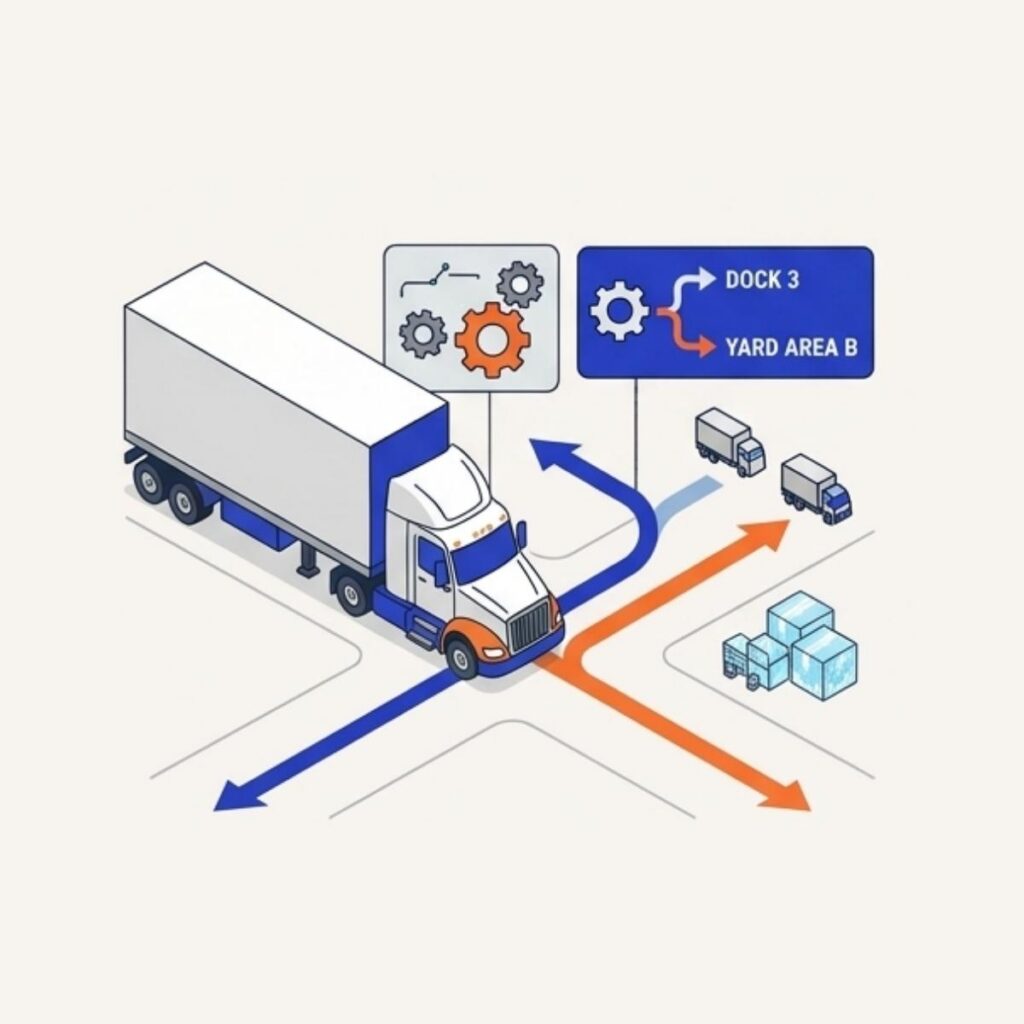
Smart Rule-Based Dock or Yard Routing
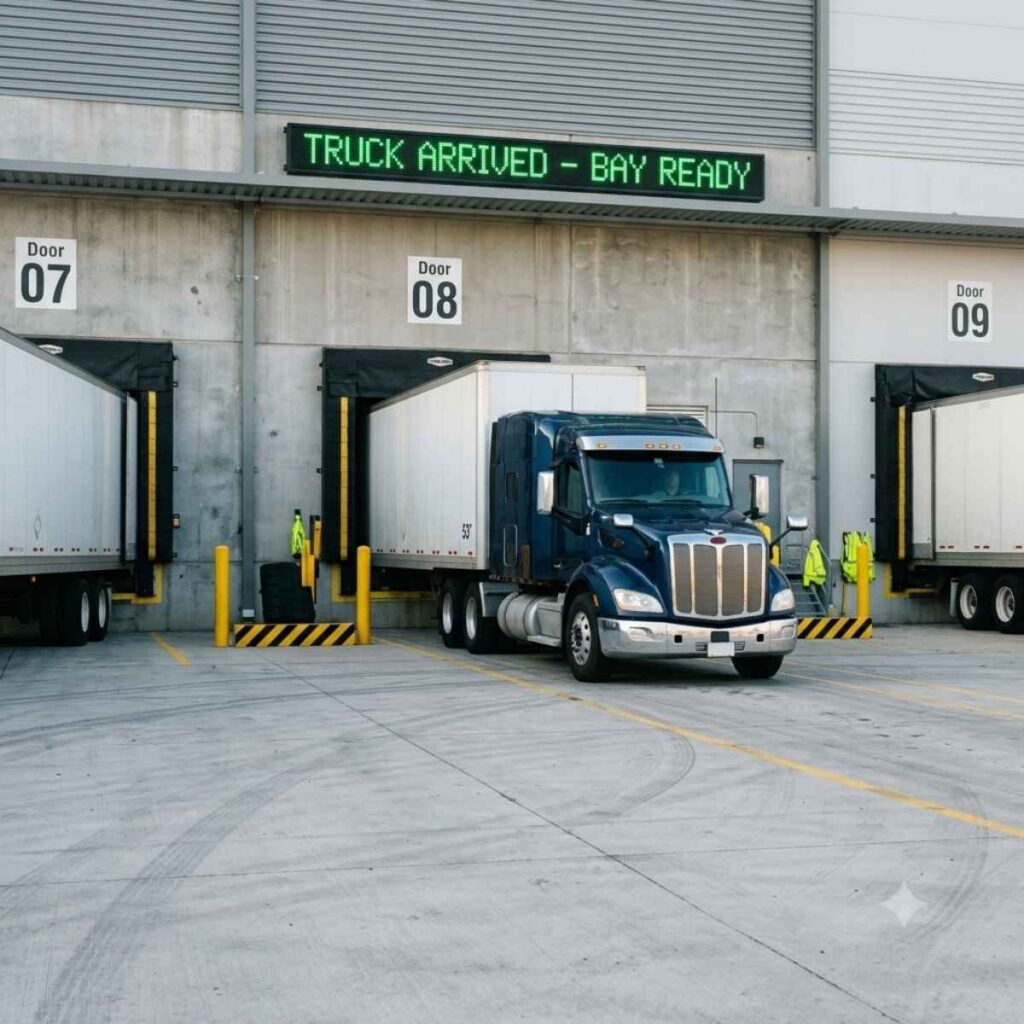
GateTrac checks live dock door status. If the designated dock door is clear and staged for unloading, the driver is directed straight to Door #. If not, the driver is routed to an exact, system-allocated drop stall in the yard.
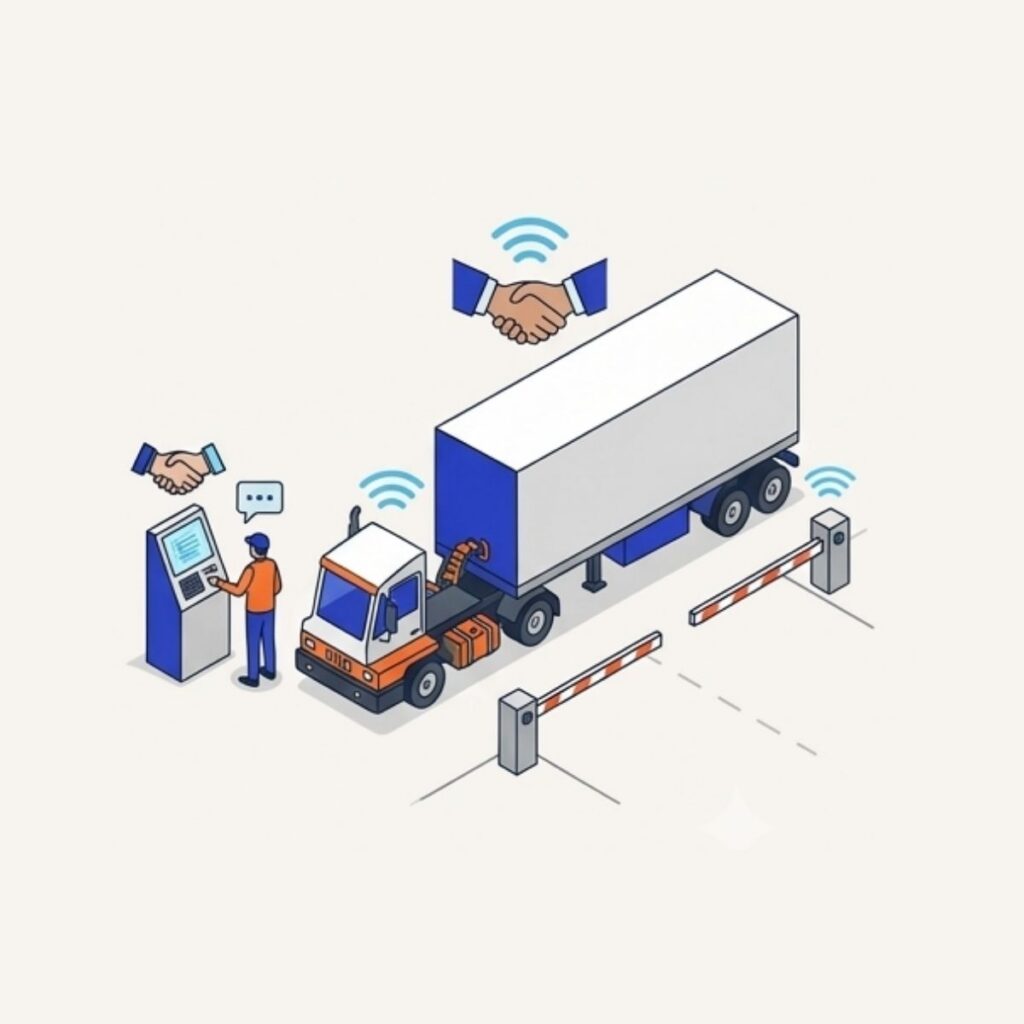
Automated Jockey Dispatch
The moment a trailer is unhitched or an outbound load is sealed, GateTrac alerts yard spotters via in-cab tablets. Upon outbound gate-out, the guard verifies seal integrity against the system record, captures the digital signature, and auto-releases the gate barrier.
What gate management software does
Gate management software records every vehicle that enters and leaves a facility. At a warehouse, that means the driver, the carrier, the tractor and trailer or container, the seal numbers and the exact time of each event.
On paper, those details sit in a guard’s logbook that no one else can read. In GateTrac, they appear on the warehouse desk’s screen as soon as they are entered, so the dock team can prepare while the truck is still pulling in.
Attended gate
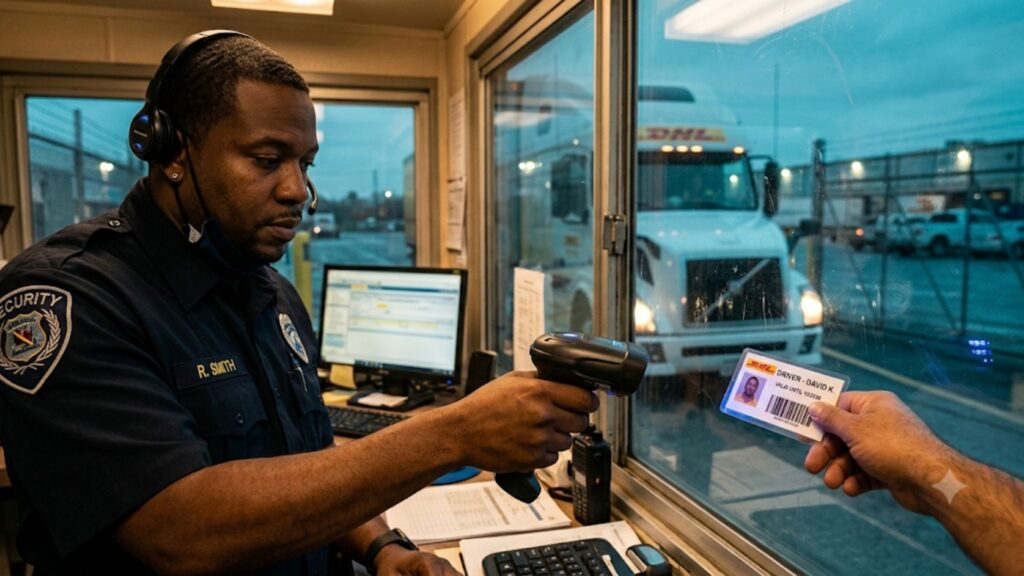
Attended gate
A guard processes every input.
- With an appointment: scan the GatePass or appointment number to pull up the pre-registered driver, carrier and load.
- Without an appointment: capture driver, carrier and load information on the spot before directing the truck to the yard.
- Log trailer, seal and load details directly at the gate.
Unattended gate
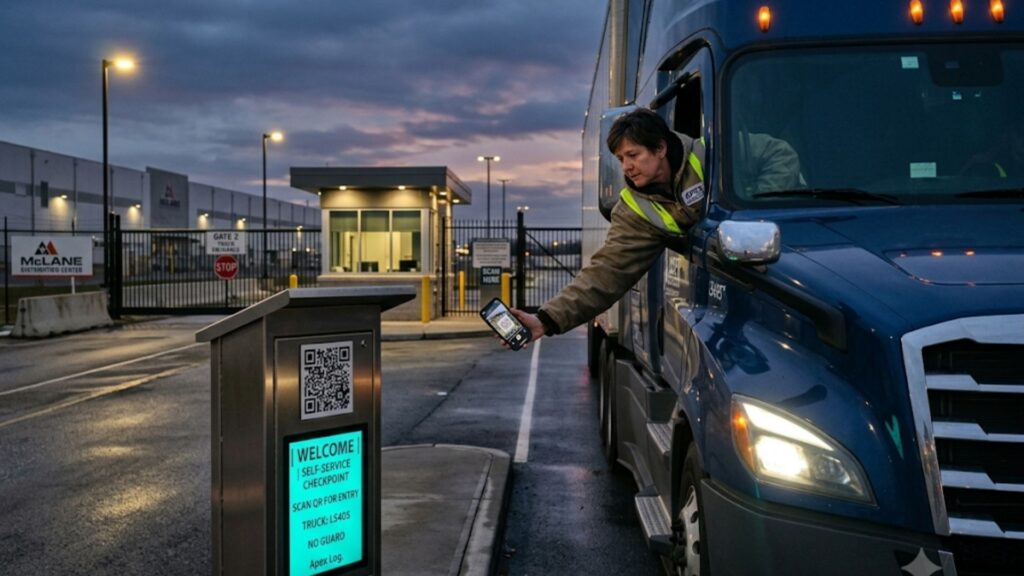
Unattended gate
The warehouse desk directs and the driver self-processes.
- Drivers scan a QR code at the gate or open a mobile link.
- The desk sees every arrival in real time.
- Yard or dock instructions return to the driver automatically. See driver self check-in.
Built for Every Gate Architecture
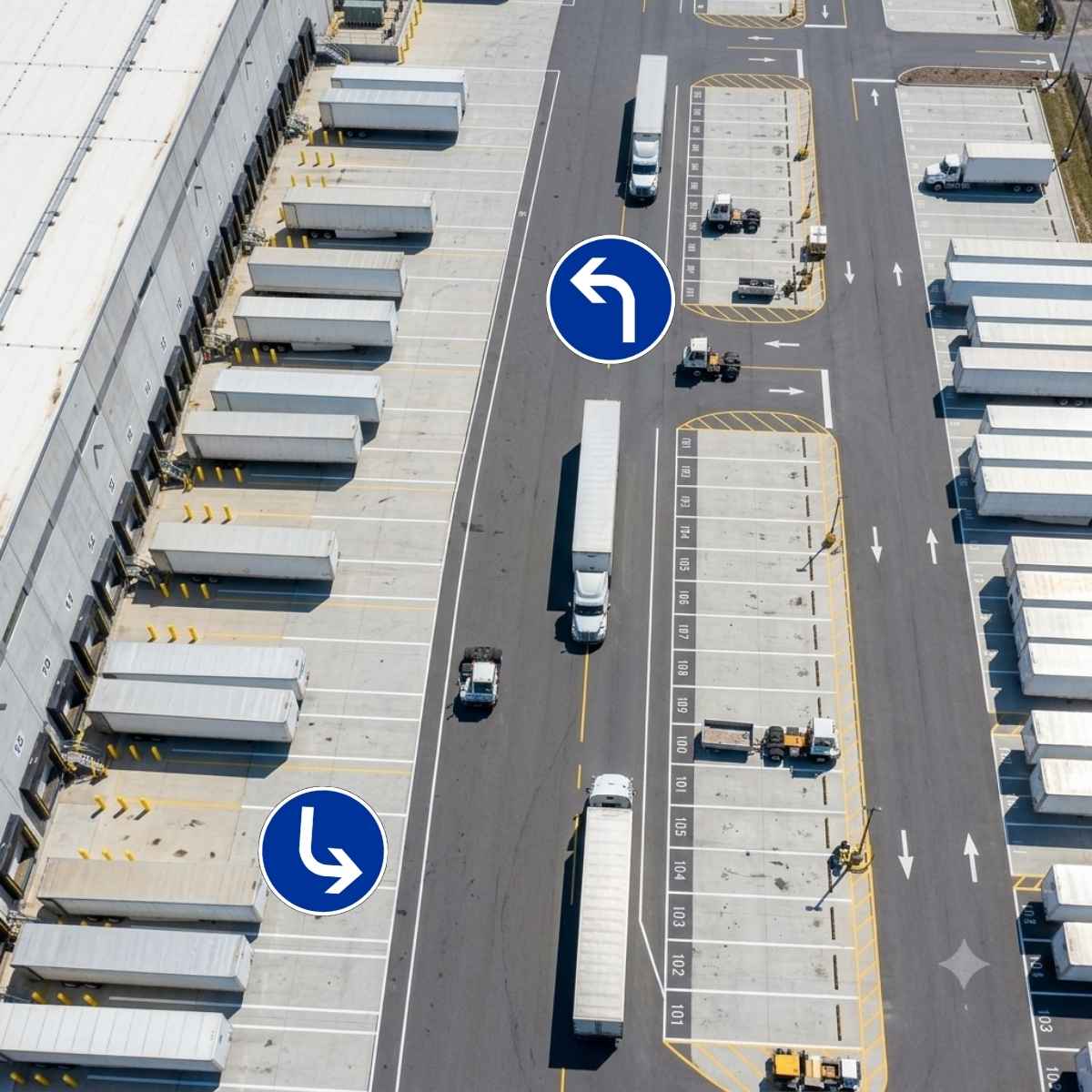
Drop-and-Hook Yards: Separate bobtail and drop-trailer flows. Inbound tractors drop loaded trailers into designated numbered slots and pick up pre-staged empties without walking into the shipping office.
Live Unload & Turnaround Bays: Coordinate direct-to-dock routing for live unloads. GateTrac counts down carrier dwell times against free-time detention windows, alerting supervisors before detention fees kick in.
Multi-Gate Industrial Complexes: Centralize inbound and outbound gates across remote entry points. Provide yard marshals with complete visibility regardless of which gate a driver entered through.
Hazardous & Cold-Chain Inspections: Enforce mandatory gate checklists (reefer temperature verification, fuel levels, HazMat placards) before the barrier arm raises.
What the gate captures
Every field is configurable per facility.
Driver details
Name, license scan and contact details, linked to a pre-registered appointment when one exists.
Carrier and equipment
Carrier, truck, trailer and container numbers, plus PO or BOL and shipment references.
Seal numbers
Inbound and outbound seal numbers recorded and seal verification documented.
Timestamps
Arrival and departure times, so dwell and turn time are measured, not estimated.
Check-out
Departure is recorded the same way, which closes the visit and the audit trail.
Driver communication
GatePass email and calendar invites sent automatically for scheduled appointments.
Why the gate decides how well the rest of the yard runs
If the gate record is late or wrong, everything behind it inherits the error: the dock team does not know a truck has arrived, the yard team cannot find the trailer, and detention clocks start without proof.
A digital gate record also removes the throughput ceiling that comes from one guard keying in each arrival. Where self check-in is used, the guard only handles exceptions. Combine it with dock appointment scheduling so most trucks arrive pre-registered.
Intelligent Gate Workflows Built for Speed & Precision
Digital Driver Self-Service & Fast-Track Kiosks
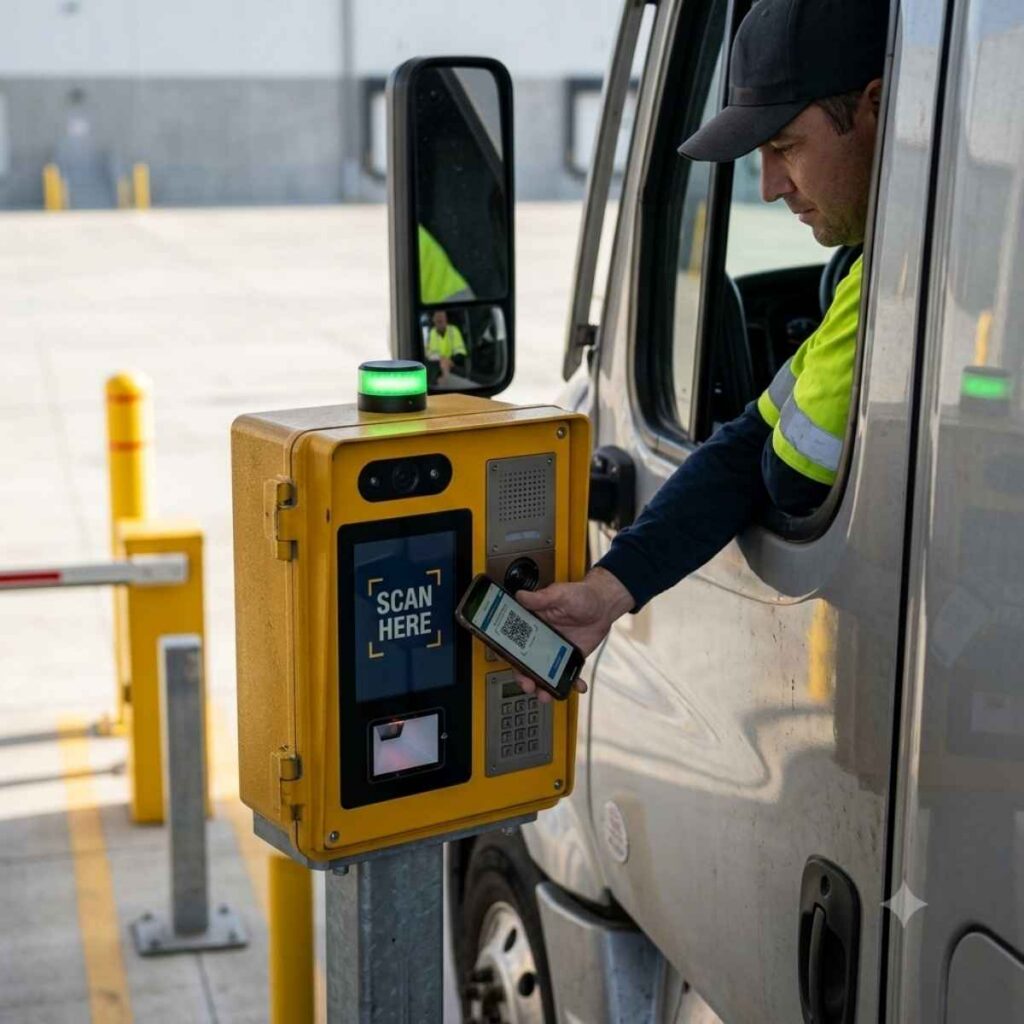
Eliminate guard typing bottlenecks. Arriving drivers scan an appointment QR code or input their confirmation PIN on an outdoor, weather-rated kiosk. GateTrac validates the appointment against the WMS/TMS schedule in seconds, verifies driver credentials, and prints an automated entry pass with turn-by-turn yard navigation.
Visual Inbound & Outbound In-Gate Audits
Capture and log container/trailer seal numbers with photo time-stamps to eliminate carrier cargo theft disputes. Log setpoint vs. actual temperature, fuel levels, and structural damage before the trailer ever crosses into the yard perimeter.
Real-Time Dynamic Door Allocation
GateTrac connects the entry barrier directly to live dock door status. If Door 4 opens up 3 minutes before the carrier arrives, the system routes the driver directly to the active door instead of an intermediate yard drop, eliminating double-handling by yard hostlers.
Operational Impact Comparison
| Metric / Task | Manual Gate & Log Sheet | GateTrac Gate Management |
| Driver Check-in Time | 8 – 15 minutes per truck | Under 90 seconds |
| Gate-to-Dock Assignment | Radio calls / Phone calls | Immediate automated assignment |
| Trailer Location Accuracy | 60% – 75% (outdated lot maps) | 99%+ with mapped spot validation |
| Gate Congestion Spikes | Frequent line-ups onto public roads | Smooth, scheduled flow via appointment sync |
| OS&D Audit Trail | Paper logs, lost paper carbon copies | Time-stamped photos & digital seal records |
| Driver Detention Risk | High (blind dwell monitoring) | Real-time alerts prior to fee thresholds |
Frequently asked questions
What is truck gate management software?
It is software that records and controls trucks entering and leaving a facility: driver and carrier identity, equipment and seal numbers, appointment matching and timestamps.
Can GateTrac operate at an unattended or driver self-service kiosk?
Yes. GateTrac supports driver-facing touch screens where drivers select their language, scan barcodes or QR codes from their rate confirmation/BOL, and receive a printed or SMS slip with their assigned dock door or yard stall.
Can GateTrac handle trucks that arrive without an appointment?
Yes. At an attended gate the guard captures driver, carrier and load details on the spot. At an unattended gate the driver enters them through a QR code or mobile link, and the warehouse desk reviews the entry.
Do guards need rugged scanners?
No special hardware is required. GateTrac runs in the browser on a phone or tablet, and also works on rugged handheld devices where you already use them.
Does the gate record sync with my WMS?
Yes. An API passes load type, PO number, appointment details, carrier, trailer, seal number and dock door assignment between GateTrac and your WMS. See WMS and TMS integration.
How does GateTrac prevent drivers from parking in the wrong dock door?
GateTrac links the gate assignment directly to the dock board and mobile scanning terminals. If a driver drops in the wrong stall or backs into an unassigned door, the warehouse floor scan immediately flags a location mismatch.
What hardware does GateTrac require at the gate?
GateTrac is hardware-agnostic and runs on rugged Android tablets, vehicle-mounted terminals (VMTs), standard desktop PCs in the guardhouse, and industrial outdoor barcode/OCR scanners.
See GateTrac run your gate
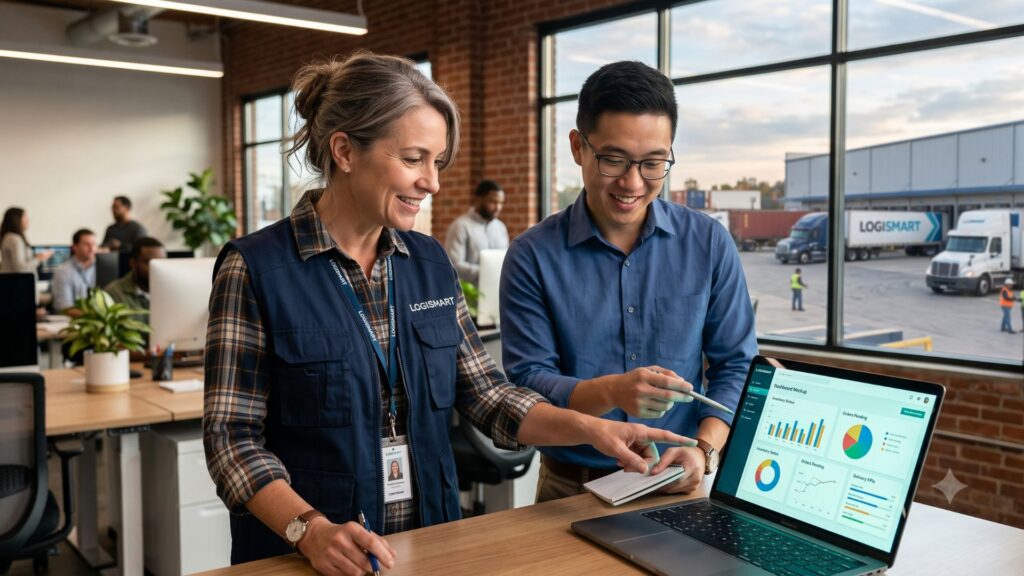
Tell us how your gate and yard operate today. We will walk you through a live session built around your flow: appointment sync, attended or self-service check-in, yard placement and dock assignment.