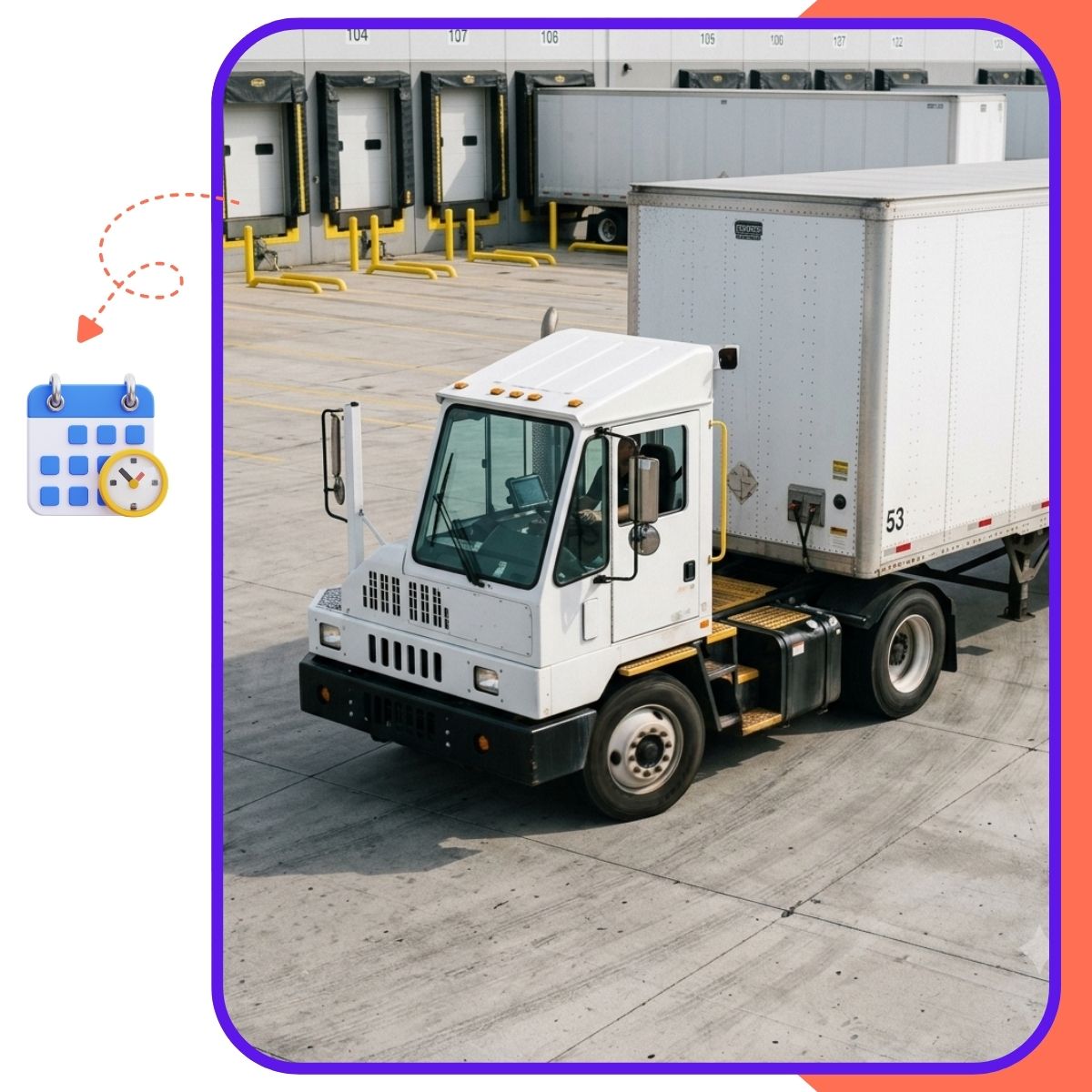
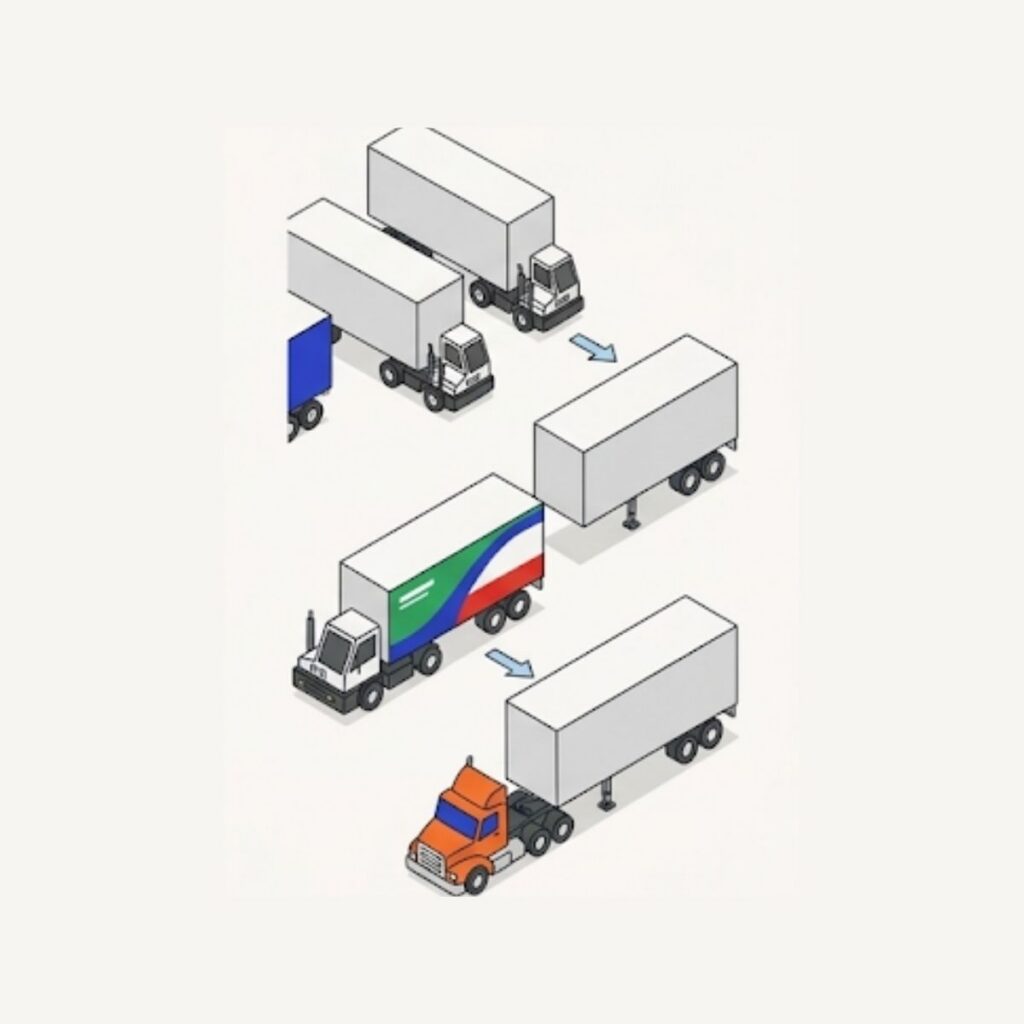
Every dock door is either earning its keep or sitting idle. GateTrac assigns trailers to doors and shows door availability to the guard, the yard team and the warehouse desk in real time.
Dock door management is the assignment of trailers to doors and the tracking of what each door is doing. In many facilities that lives on a whiteboard in the shipping office, which means the yard team has to ask someone before moving a trailer.
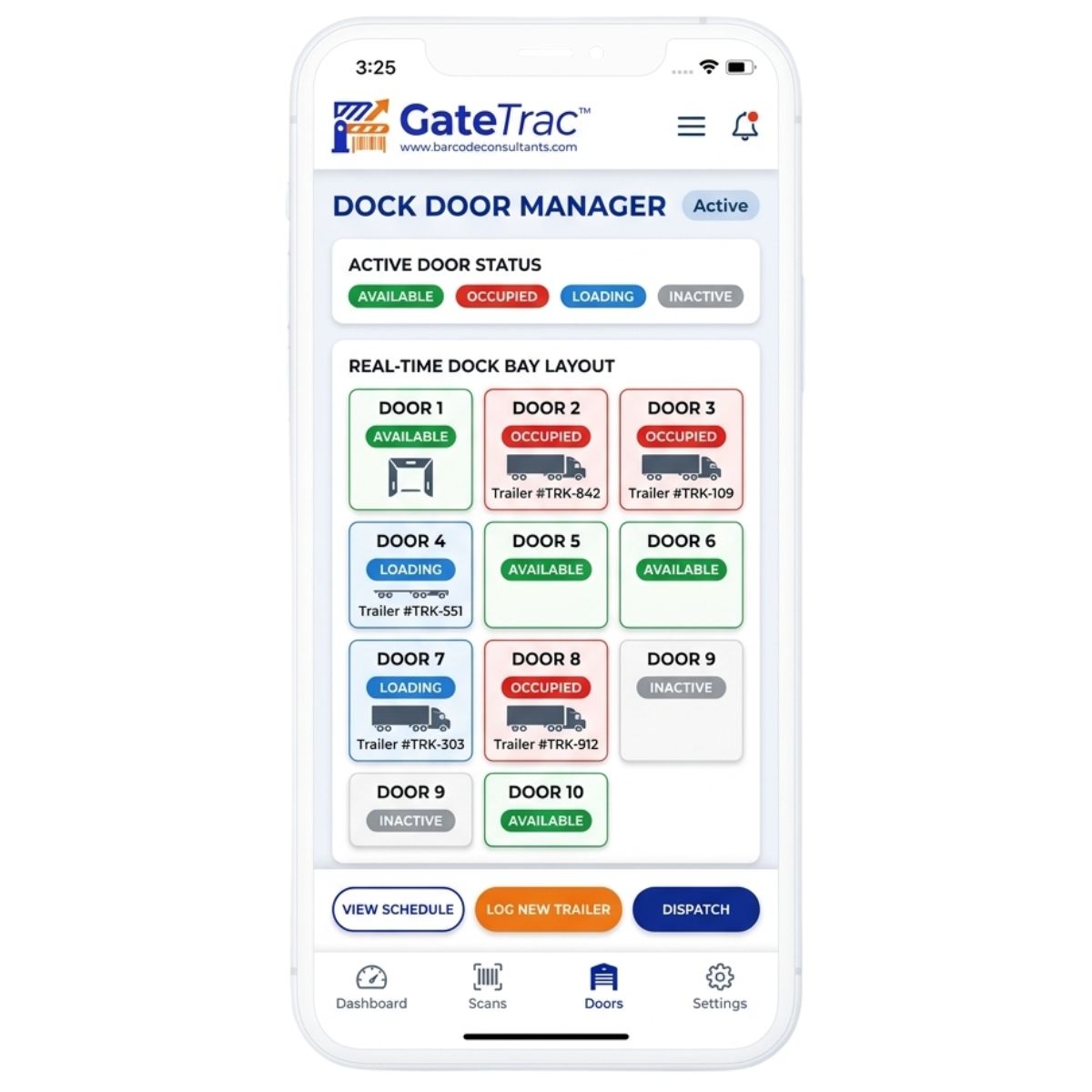
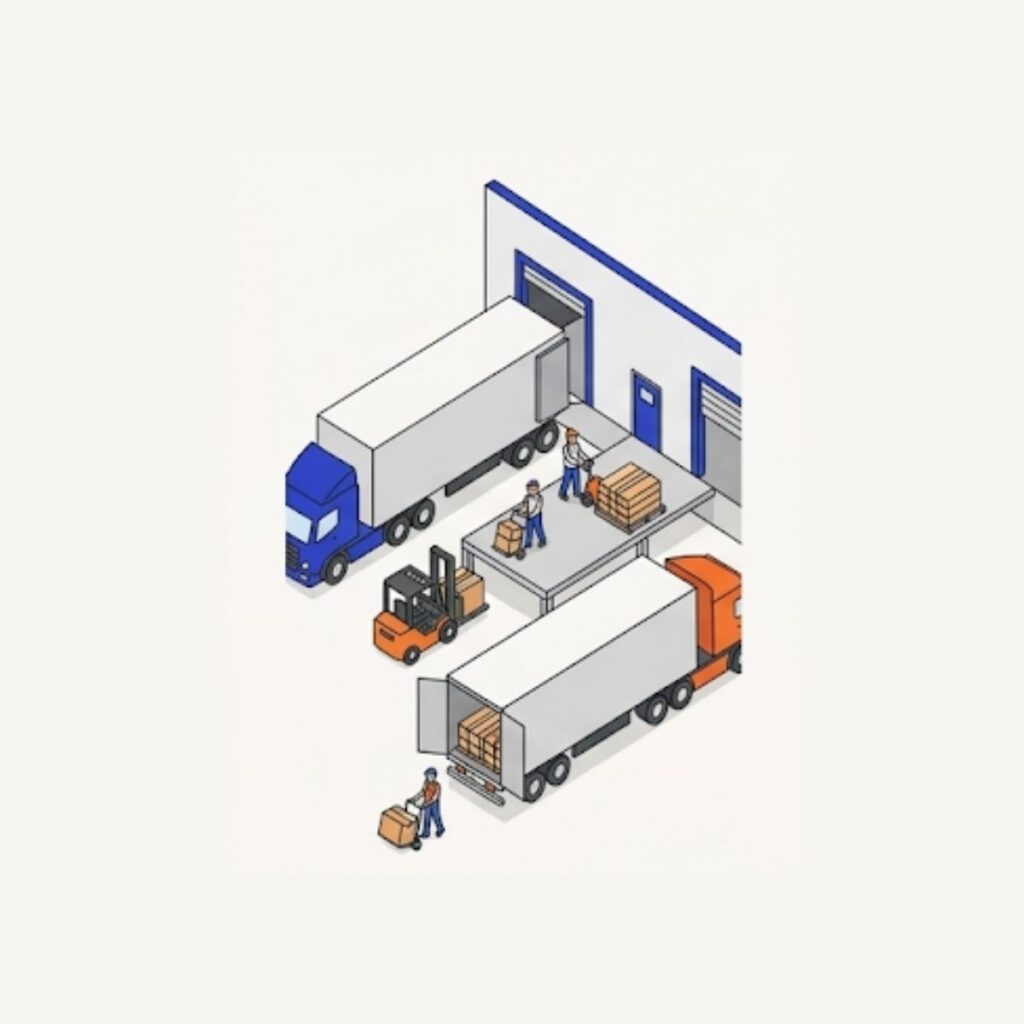
In GateTrac, door assignment is part of the trailer record. When a trailer is assigned to a door, the door shows as occupied. When the trailer is emptied and moved, the door shows as available.
Where Traditional Dock Management Breaks Down
Dock operations rarely fail because of a lack of effort—they fail due to operational silos between the guard shack, the yard jockey, and the shipping desk. When visibility is stuck on a clipboard, dry-erase board, or manual radio checks, five recurring problems drain daily throughput:
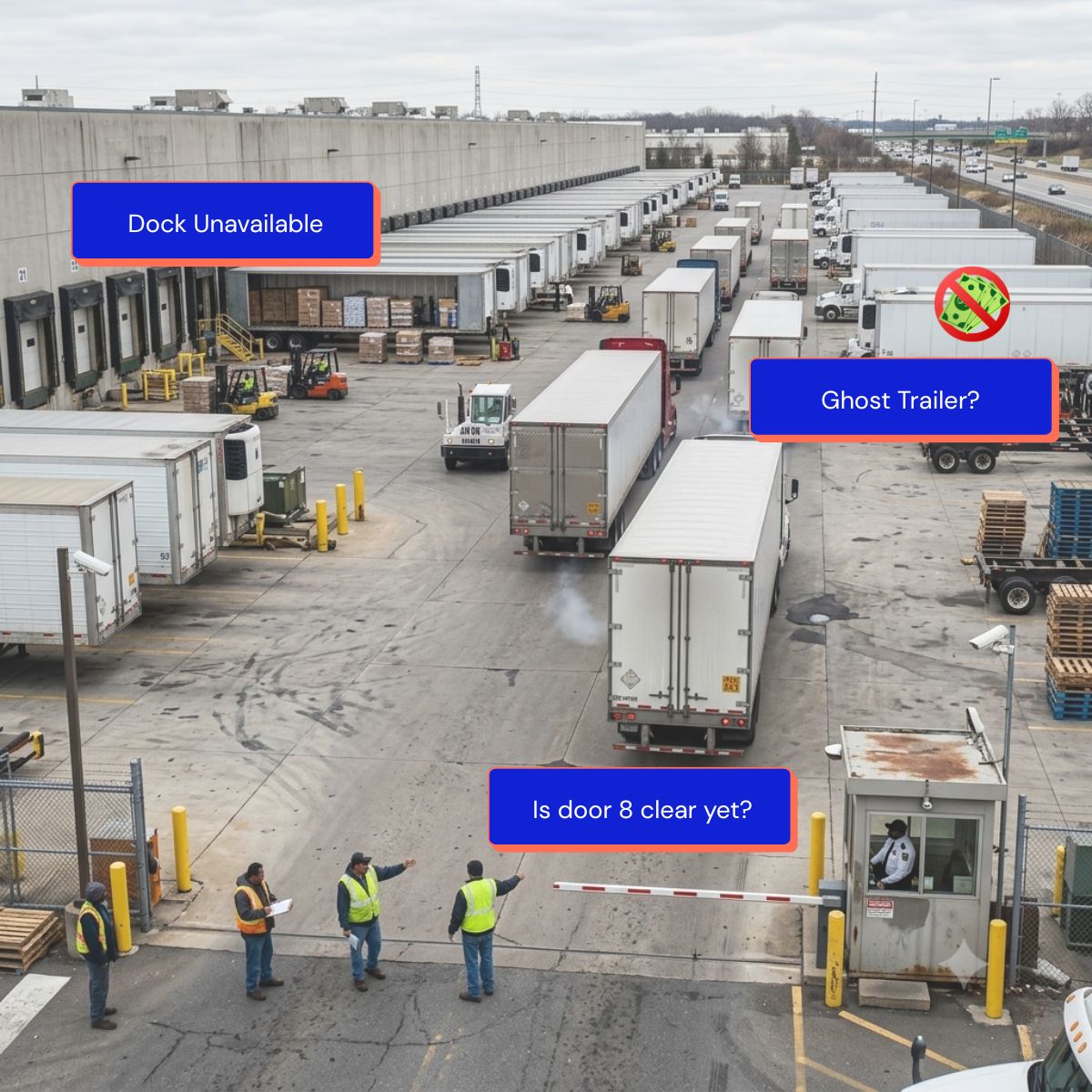
The "Ghost Trailer" & Dock Lockouts: A driver checks in, but dock supervisors have no idea if the trailer backed up to Door 14 is actually loaded, staged, or mechanically tagged out. The door sits idle while supervisors walk the apron to verify status.
Radio Ping-Pong & Jockey Fatigue: Yard jockeys spend up to 35% of their shift chasing down switch orders over two-way radios, asking "Is Door 8 clear yet?" or searching for misplaced trailers in auxiliary drop lots.
Detention & Demurrage Penalties: Carrier appointments cascade out of control when early arrivals take priority over scheduled freight. Turn times slip, leading to detention billing from waiting carriers.
Unbalanced Dock Staging: Doors closest to fast-moving bulk storage get bottlenecked, while perimeter doors sit empty because door assignments aren't dynamically mapped to SKU velocity or staging space.
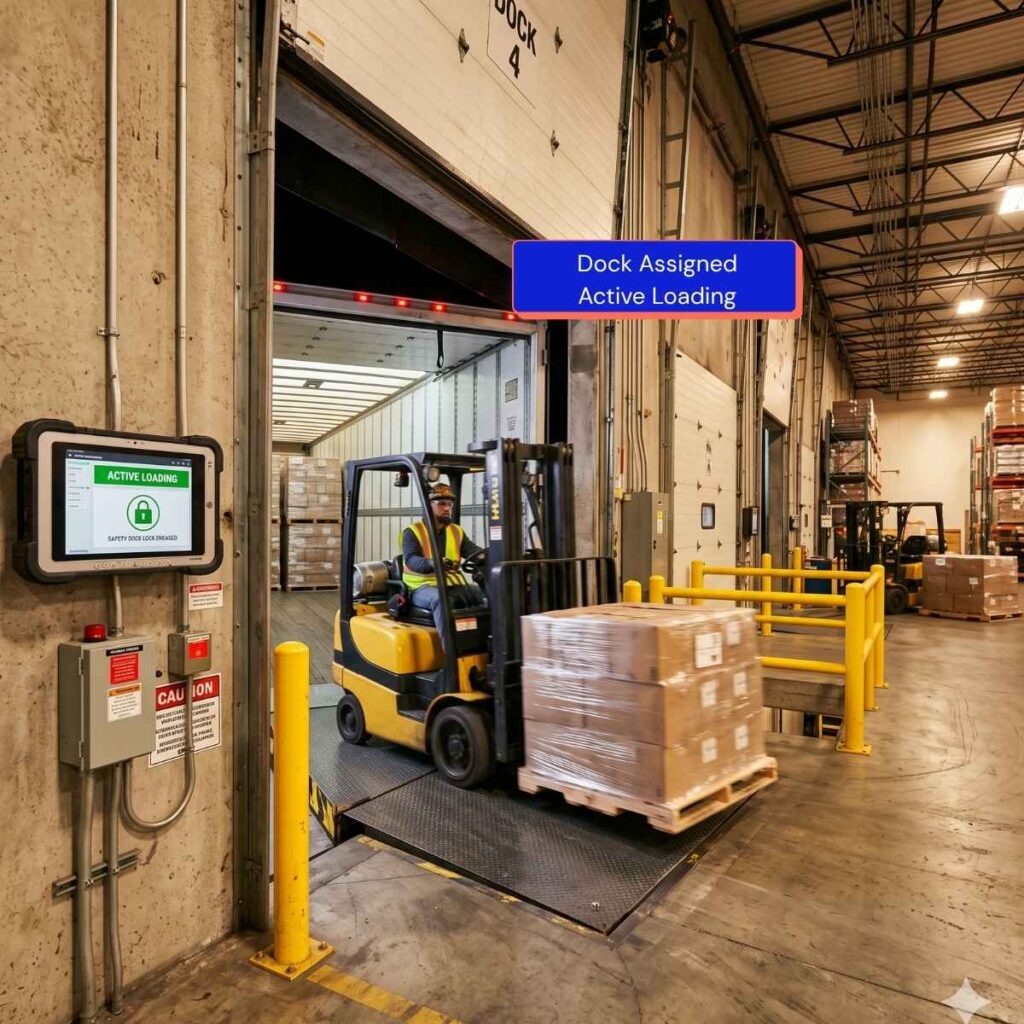
Safety & Early Pull Hazards: Miscommunication between warehouse lumpers and yard hostlers creates dangerous near-misses, such as attempting to pull a trailer before the dock lock is released and the roll-up door is secure.
Door-level control
Door assignment
Assign a trailer to a specific door when it is ready, with the assignment recorded on the trailer.
Real-time availability
See which doors are free, occupied or assigned at any moment.
Status linkage
Trailer status moves from Staged through Empty to Departed as door work completes.
Utilization reporting
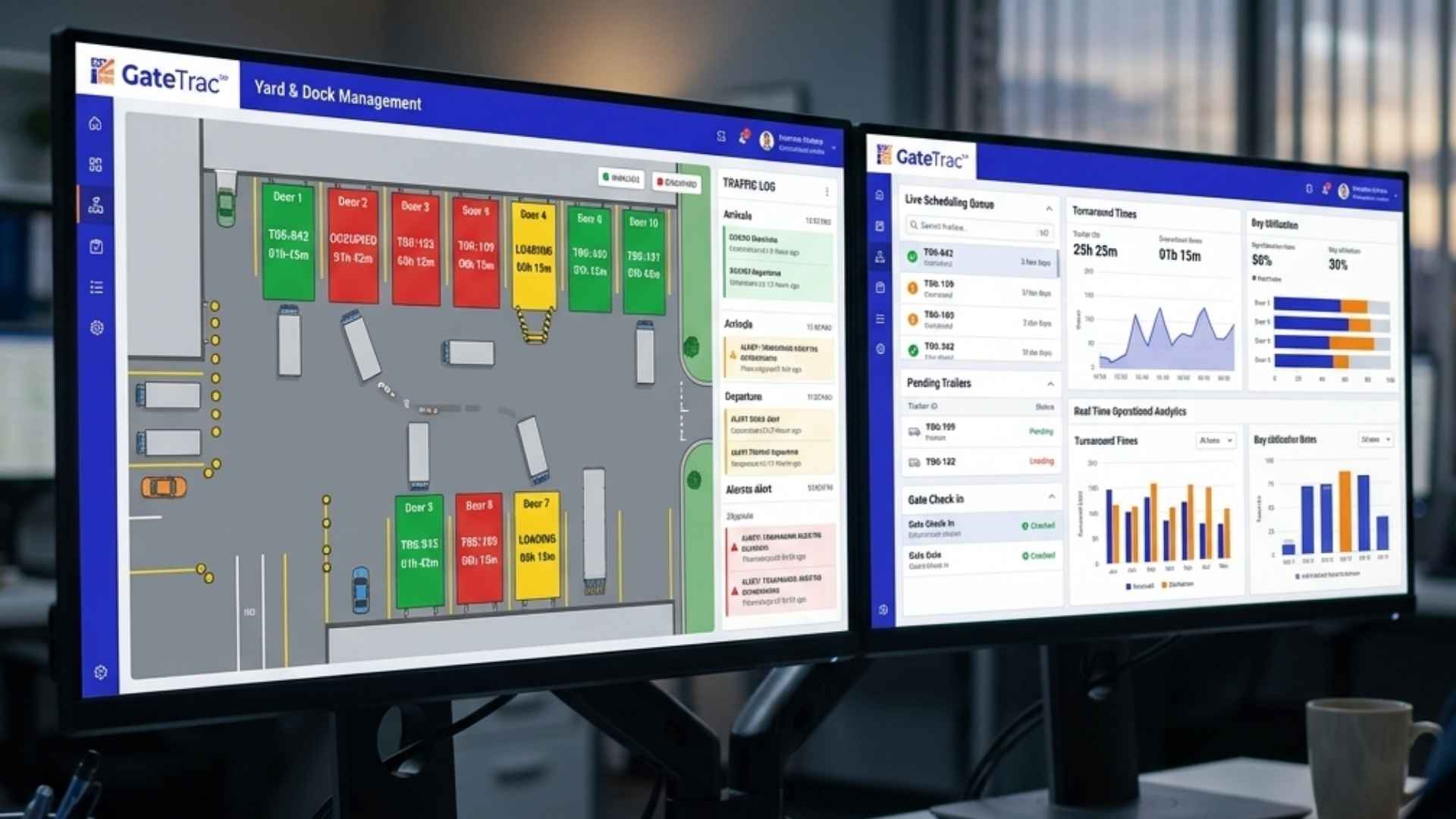
Dock utilization by door and by period, from the same time-stamped record.
How GateTrac Synchronizes the Yard and Dock in Real Time
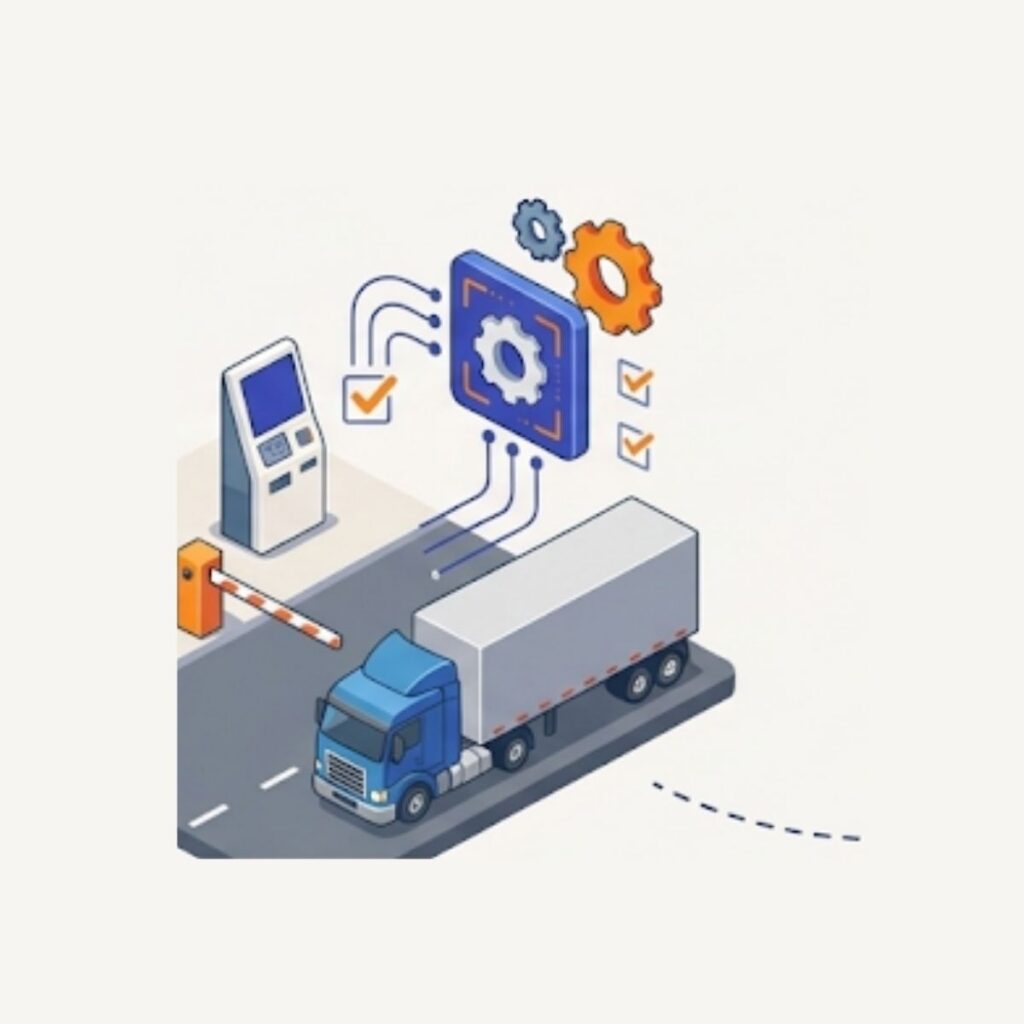
Automated Status Triggers: As soon as inbound check-in is logged (via guard shack or driver self-service kiosk), GateTrac automatically evaluates assigned door readiness, appointment priority, and load specifications (dry vs. reefer/temperature-controlled).
Digital Switch Requests to Hostlers: When a door transitions to "Available," GateTrac automatically issues a prioritized move order directly to the yard jockey’s tablet terminal - eliminating radio chatter.
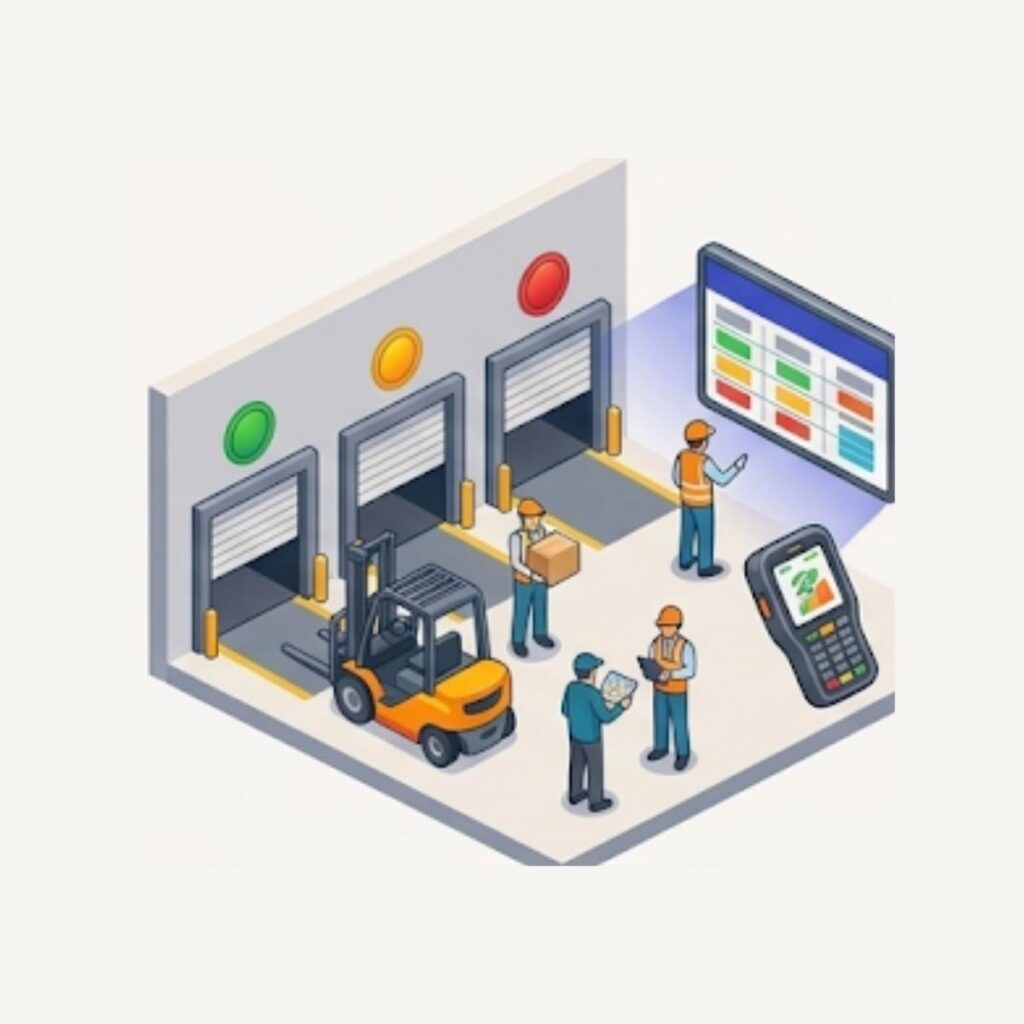
Dock-Side Live Board Integration: Warehouse floor crews see real-time color-coded statuses (Green = Empty/Ready, Amber = Staged/In Process, Red = Locked/Occupied, Gray = Maintenance/Out of Service) at glance points on dock displays or hand-held rugged scanners.
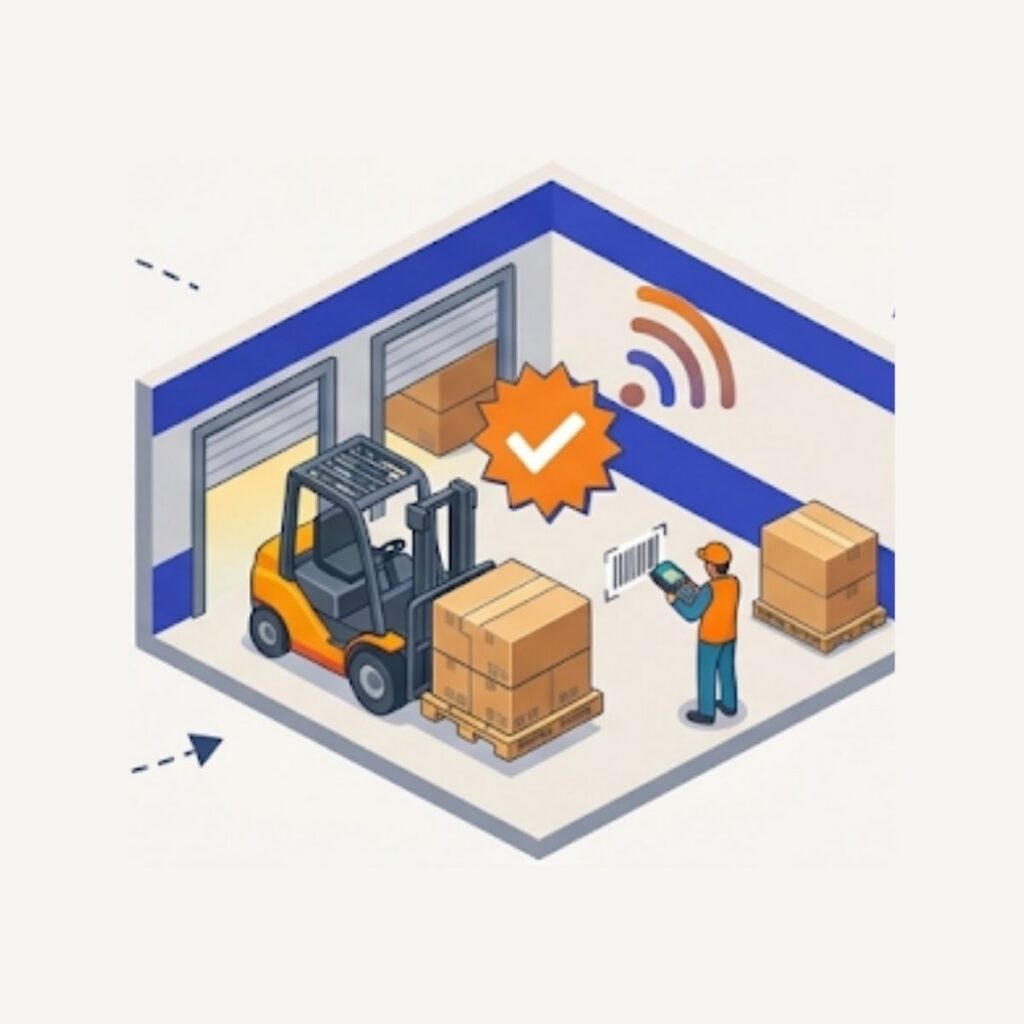
Instant Completion Sign-Off: Once lumpers or forklift operators complete unloading and confirm through barcode scan or terminal prompt, the status flips to "Work Completed / Ready for Pull" instantly alert-notifying the yard team.
Better door use without more doors
Idle door time usually comes from two causes: the next trailer is not ready, or nobody knows the door is free. Live door status and a clear queue of staged trailers address both.
Pair door management with appointment scheduling so arrivals are spread across the day, and with trailer tracking so the yard team can find the next trailer immediately.
Dock utilization
How much of the day each door is in use.
Turn time
Appointment or arrival to departure.
Dwell time
How long equipment has been on site.
Move productivity
How many yard moves your team completes.
Tailored for Complex Loading Docks & High-Velocity Facilities
01
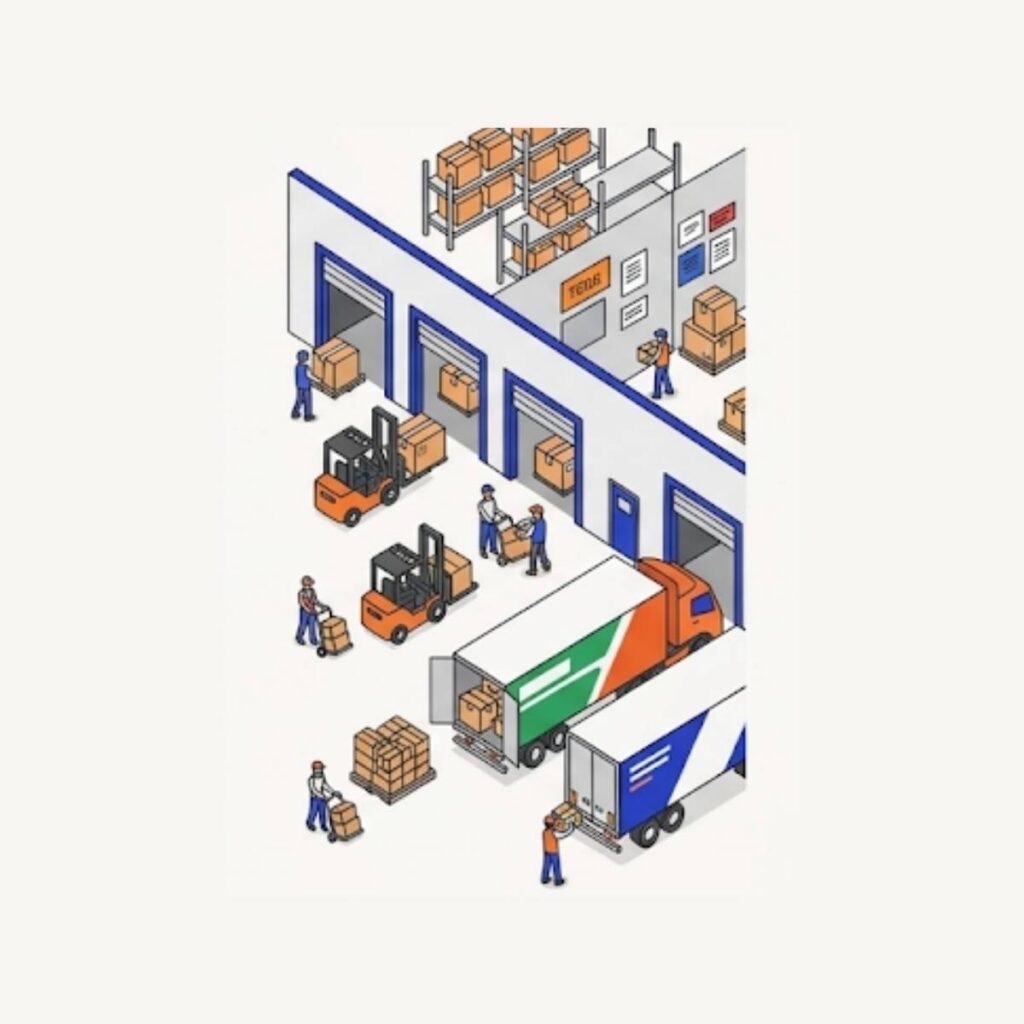
Cross-Docking Hubs
Dynamically link inbound unloading doors directly across to outbound staging bays. Cut dwell times to minutes by routing pallet transfers with zero intermediate yard staging.
02
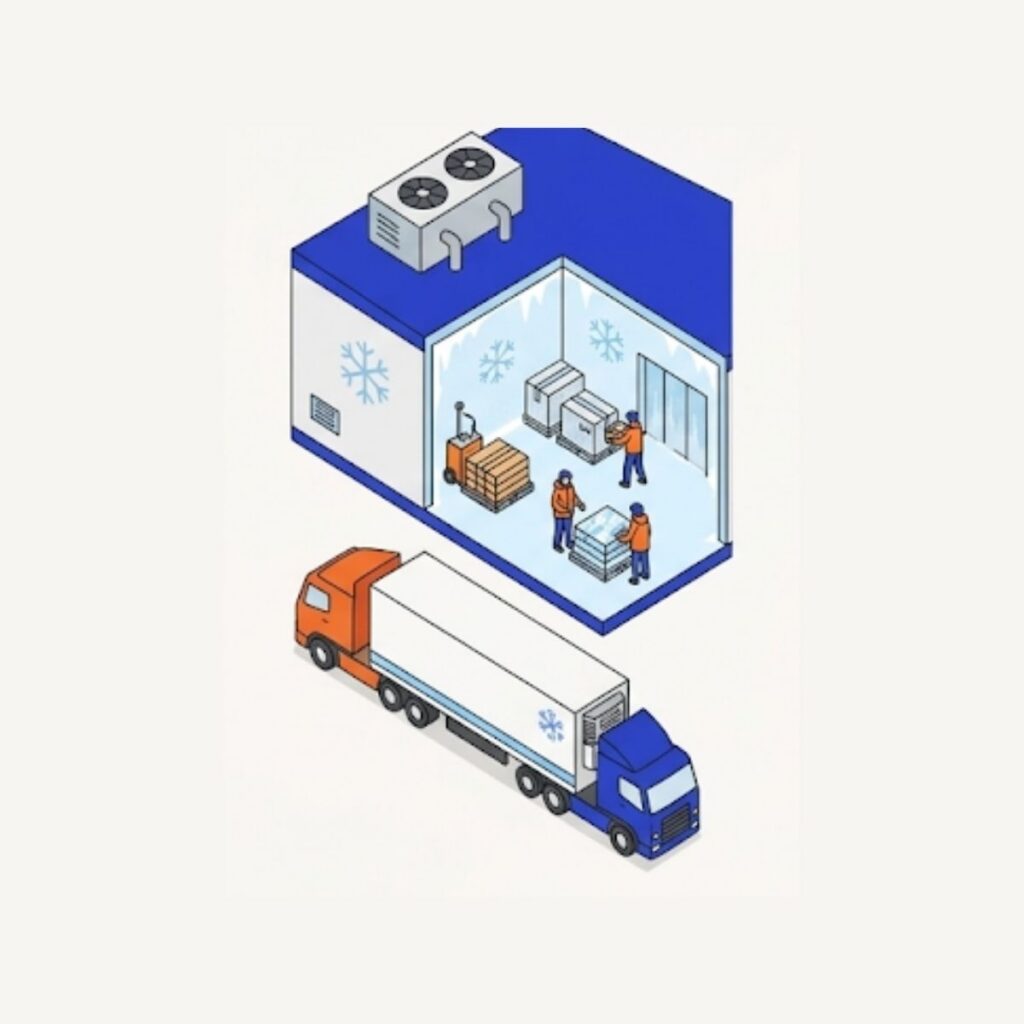
Cold Storage & Reefer Facilities
Restrict reefer assignments strictly to doors with sealed climate vestibules and continuous shore power connections. Track door seal breaks and temperature audits upon docking.
03
High-Volume 3PL & Multi-Tenant Facilities
Manage separate dock zones for distinct accounts, each with its own appointment rules, priority levels, and customer-specific reporting exports.
04
Drop-and-Hook Operations
Keep yard spots and loading bays cleanly decoupled so long-haul drivers drop trailers in seconds, while the yard spotter handles dock shuttling on your facility's internal schedule.
Hard ROI & Measurable Impact
Operational Metric
Traditional Whiteboard / Spreadsheets
With GateTrac Live Door Management
Average Dock Turnaround Time
90 – 140 minutes
45 – 60 minutes
Yard Hostler Move Efficiency
3 – 4 moves / hour
6 – 8 moves / hour
Driver Detention Claims
Recurring weekly cost
Reduced by 70–90%
Door Status Verification
10–15 min physical apron checks
Real-time on screen (< 2 seconds)
Dock Utilization Rate
50% – 65% (untracked idle gaps)
85%+ optimized throughput
Frequently Asked Questions (FAQs)
How does GateTrac assign dock doors?
A user assigns a trailer to a door from the trailer record. The door then shows as occupied until the trailer is moved or marked Empty.
Can I see dock utilization?
Yes. Dock utilization is part of the reporting and KPI set, alongside dwell time, turn time and yard occupancy.
Does door management work without appointments?
Yes. Trucks without appointments can be assigned to doors the same way once they are checked in.
Tell us how your gate and yard operate today. We will walk you through a live session built around your flow: appointment sync, attended or self-service check-in, yard placement and dock assignment.